Field notes
Guides for recording in Chrome — 4K, local, no watermark
Practical notes on capture, the local editor, private share links, Brand Kit, and keeping the file on your computer until a link is actually needed.
Editor2 min read
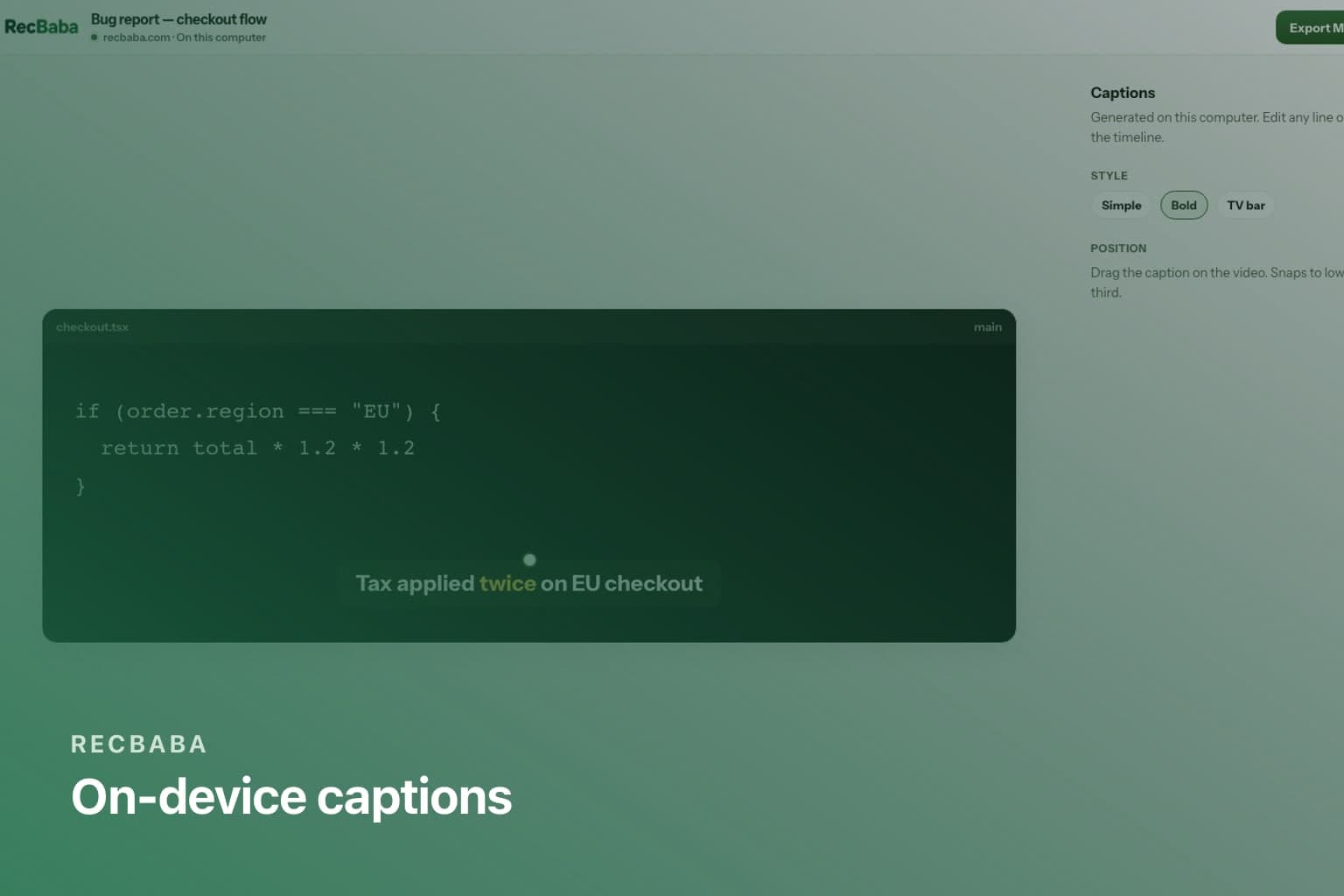
On-Device Captions for Chrome Screen Recordings
Generate English captions in RecBaba’s local editor. The speech model runs on your computer — Pro and Max, no transcription upload.
Read the guide
Editor2 min read
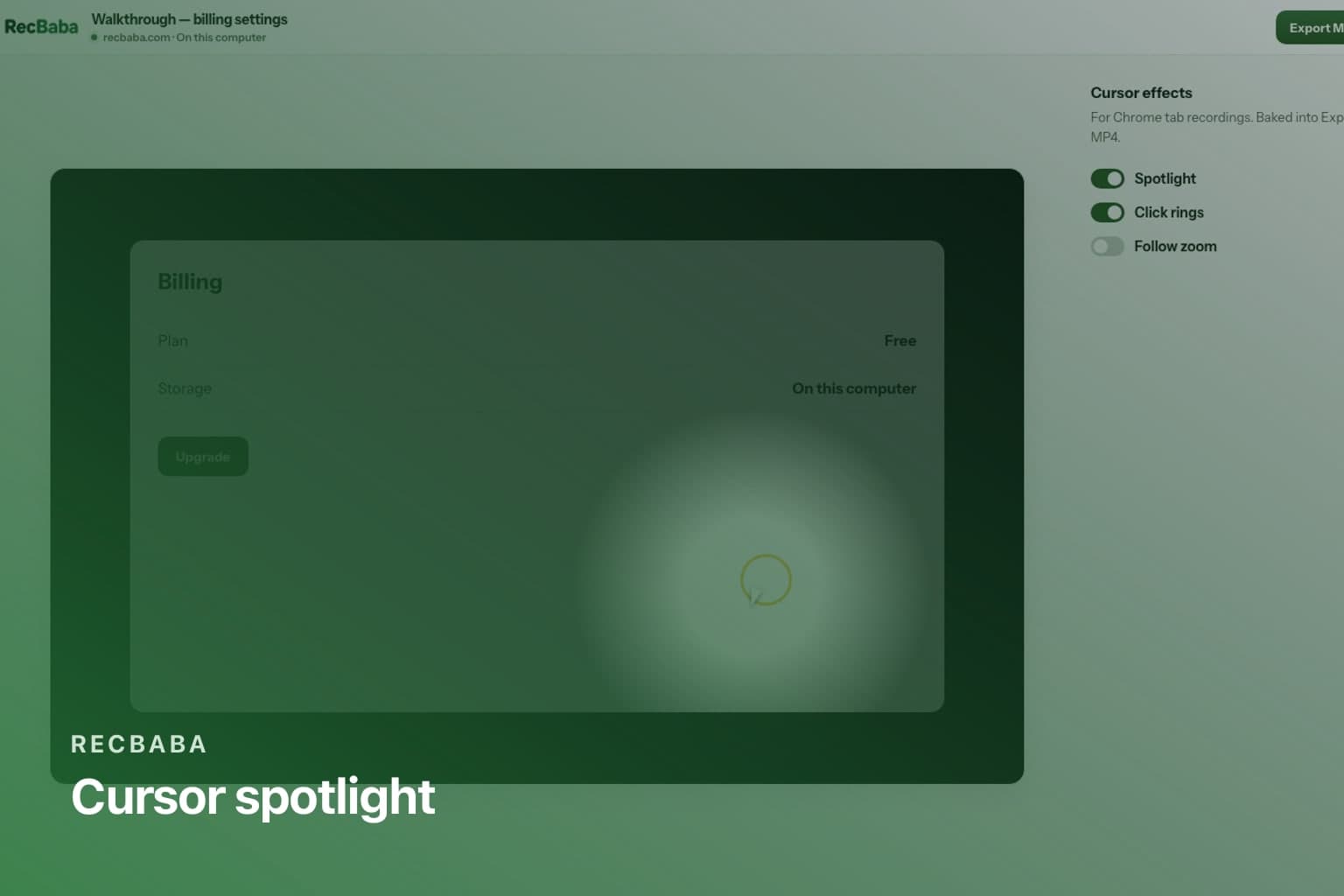
Cursor Spotlight and Click Rings on Tab Recordings
Add a spotlight, click rings, and optional follow zoom to a Chrome tab recording in RecBaba — applied on export, not burned into the raw capture.
Editor2 min read
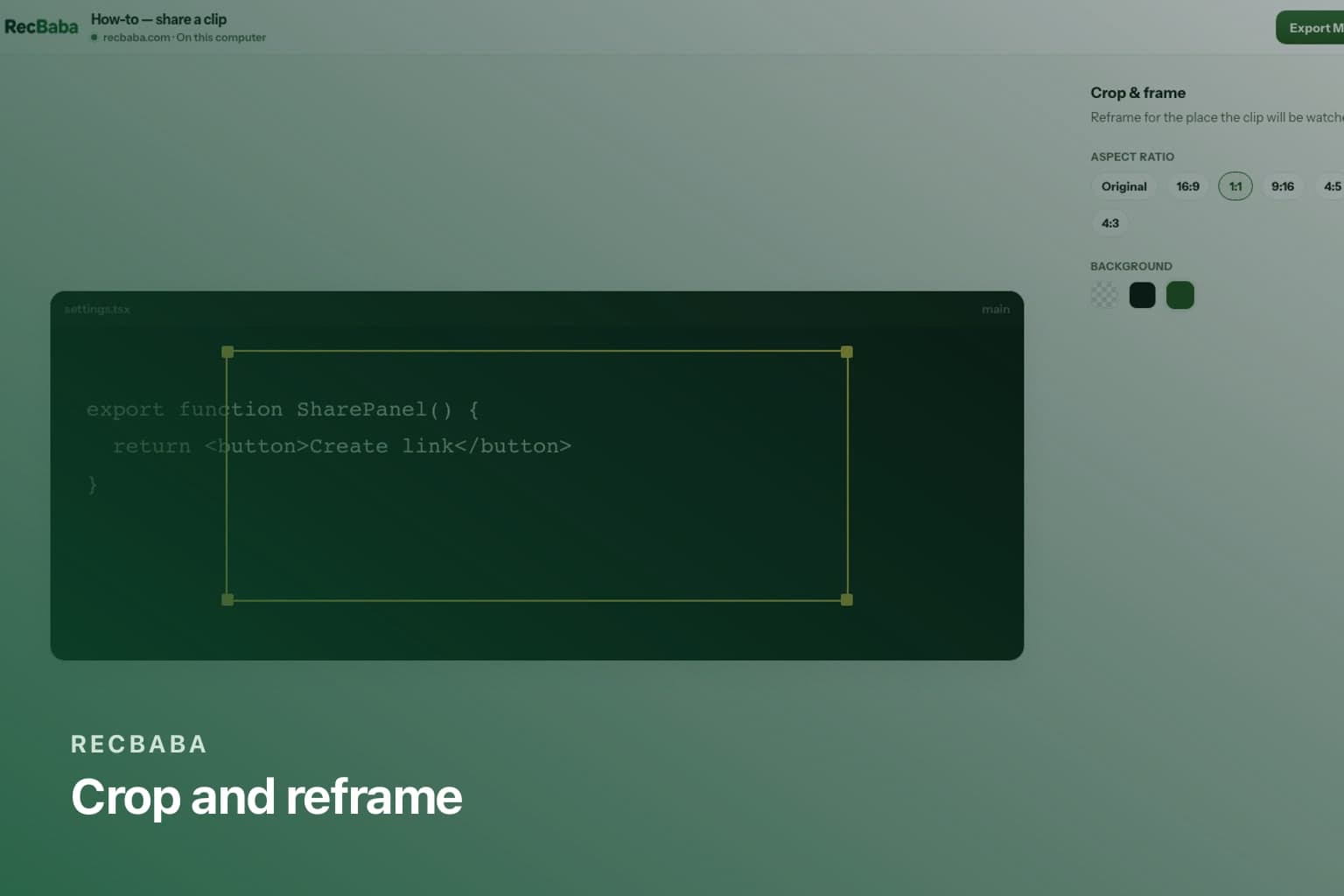
Crop and Aspect Ratio for Screen Recordings
Reframe a RecBaba desktop capture for 16:9, square, or vertical posts. Crop in the local editor — Custom Recording Area is not a capture mode.
Audio2 min read
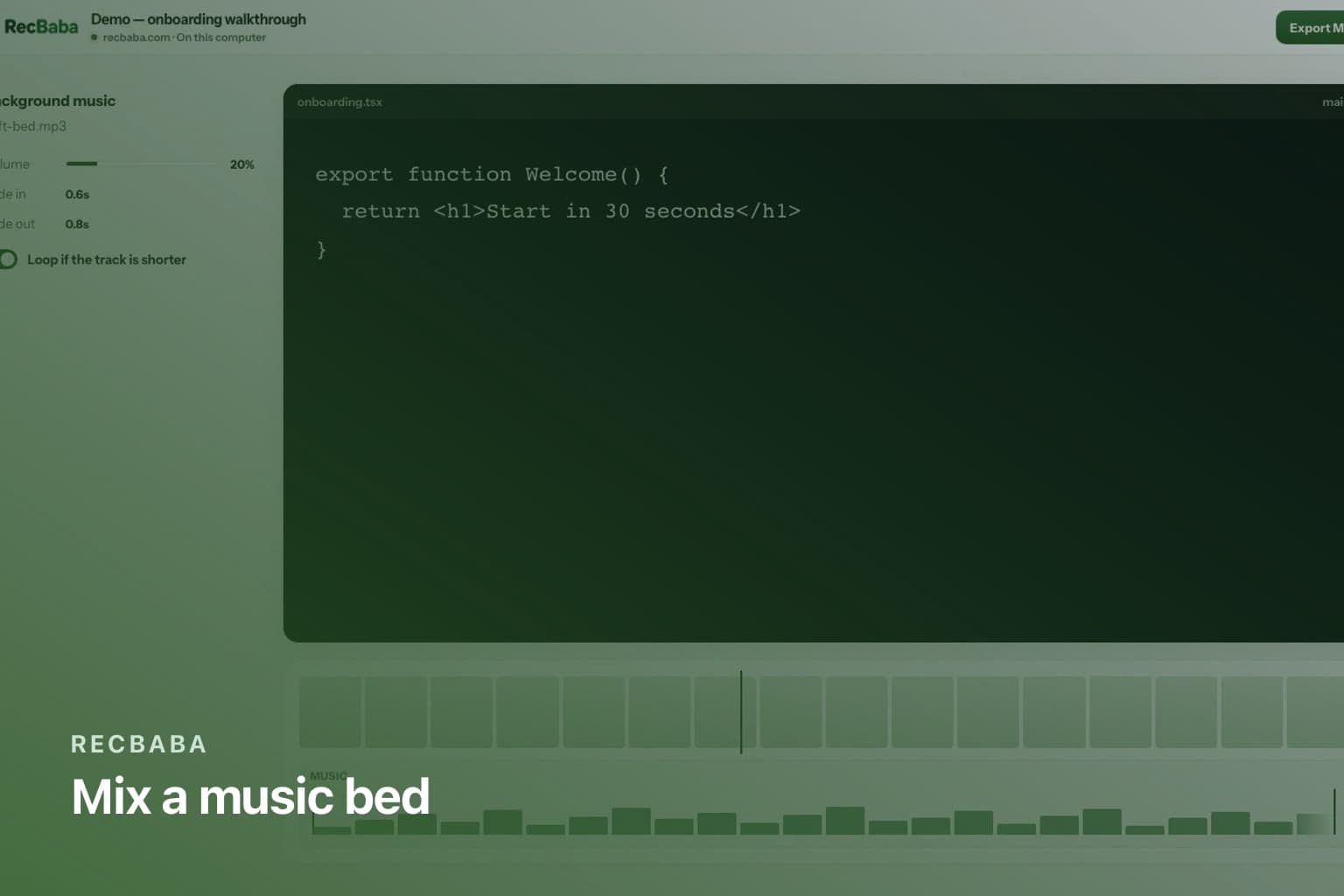
Mix Music into a Local Screen Recording
Add one music bed to a RecBaba recording on Pro and Max — volume, fades, and loop on a waveform lane, mixed on this computer.
Sharing2 min read
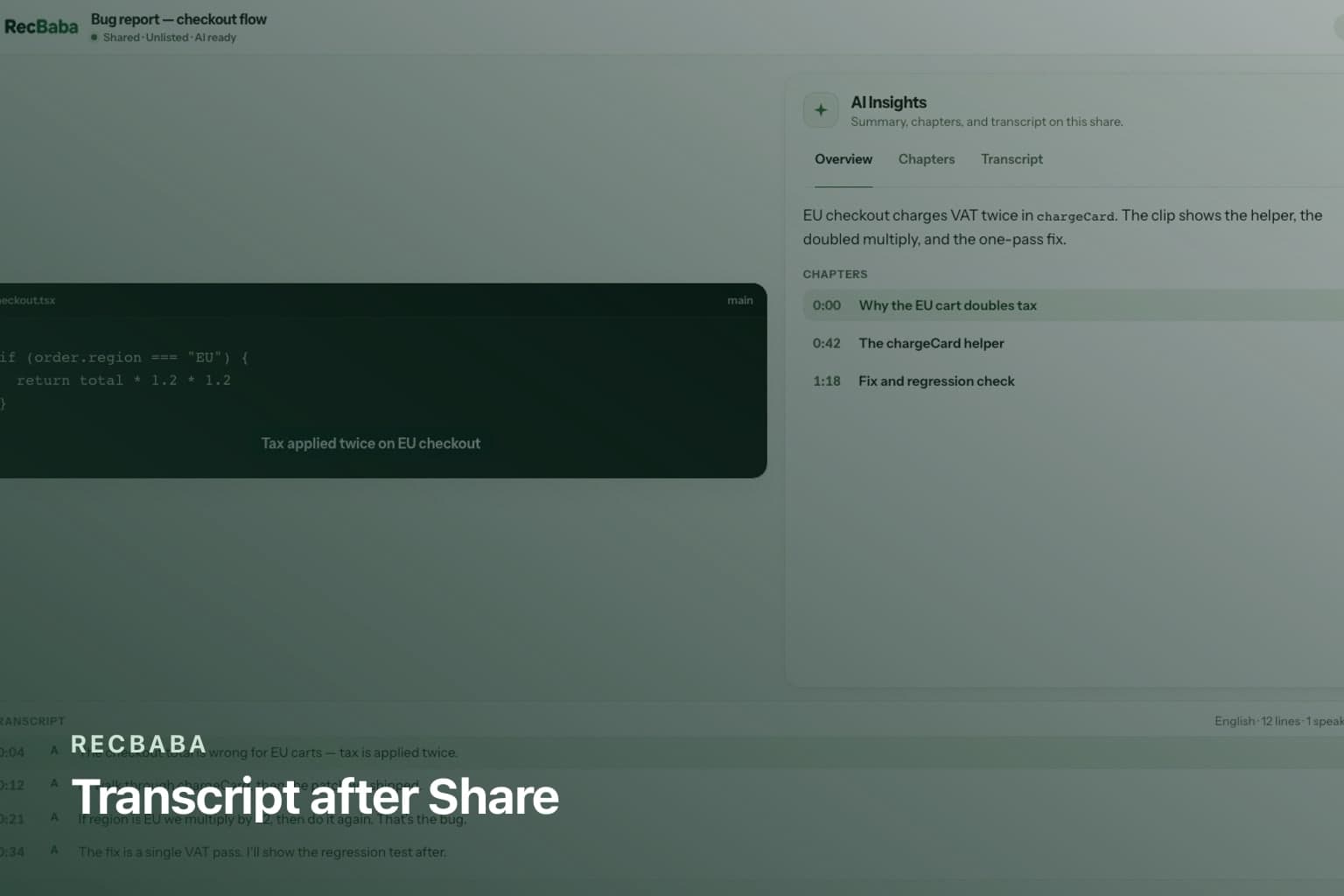
AI Transcript, Summary, and Chapters After You Share
After a RecBaba Share, generate a transcript on Pro+. Summary and chapters are Pro and Max, metered in AI minutes — not on record or export.
Sharing2 min read
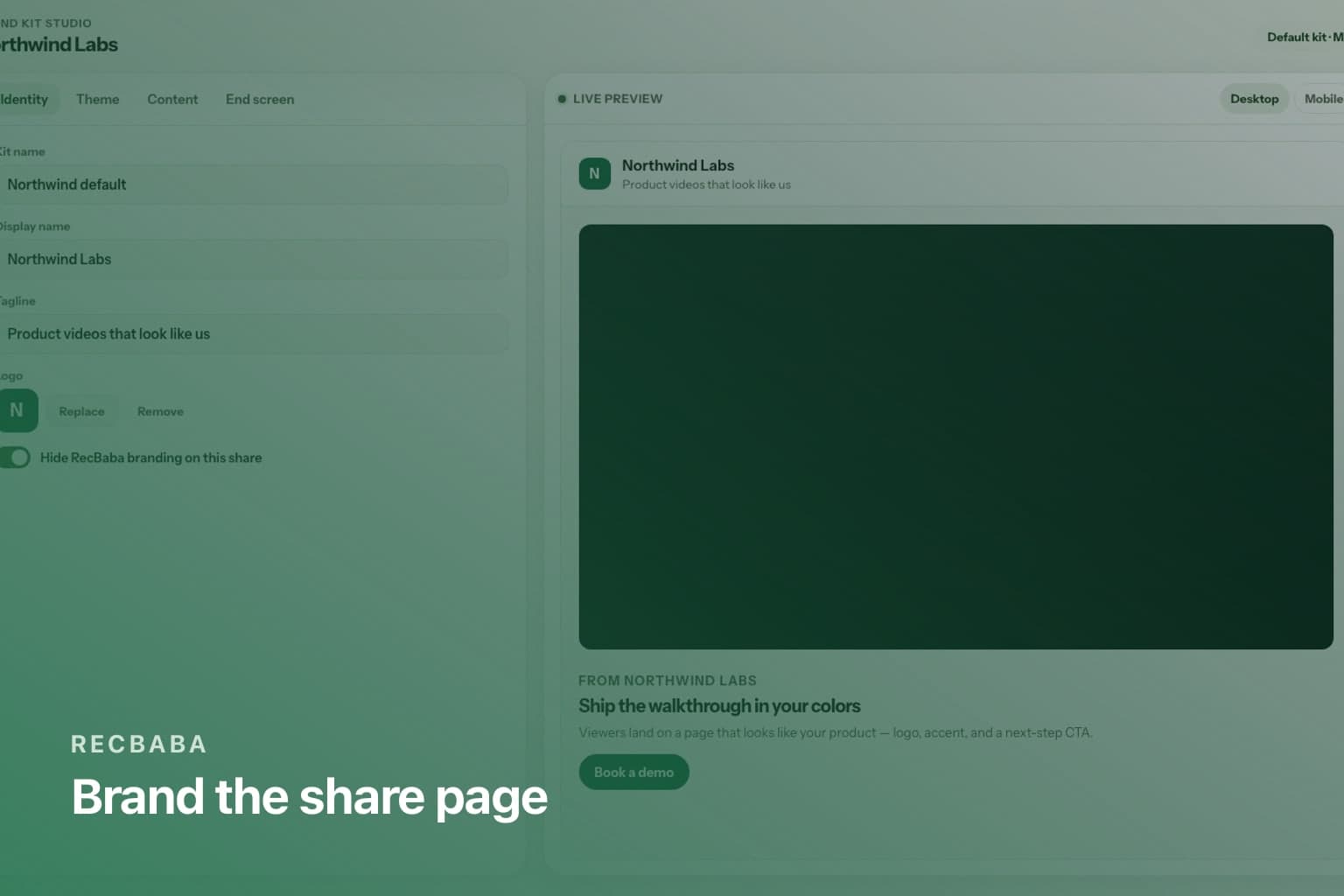
Brand Kit: Make RecBaba Share Pages Look Like Your Product
Max Brand Kit is a share-page studio — logo, theme, content blocks, and an end-screen CTA. Links stay on recbaba.com/share. Exports stay unwatermarked.
Workflow2 min read
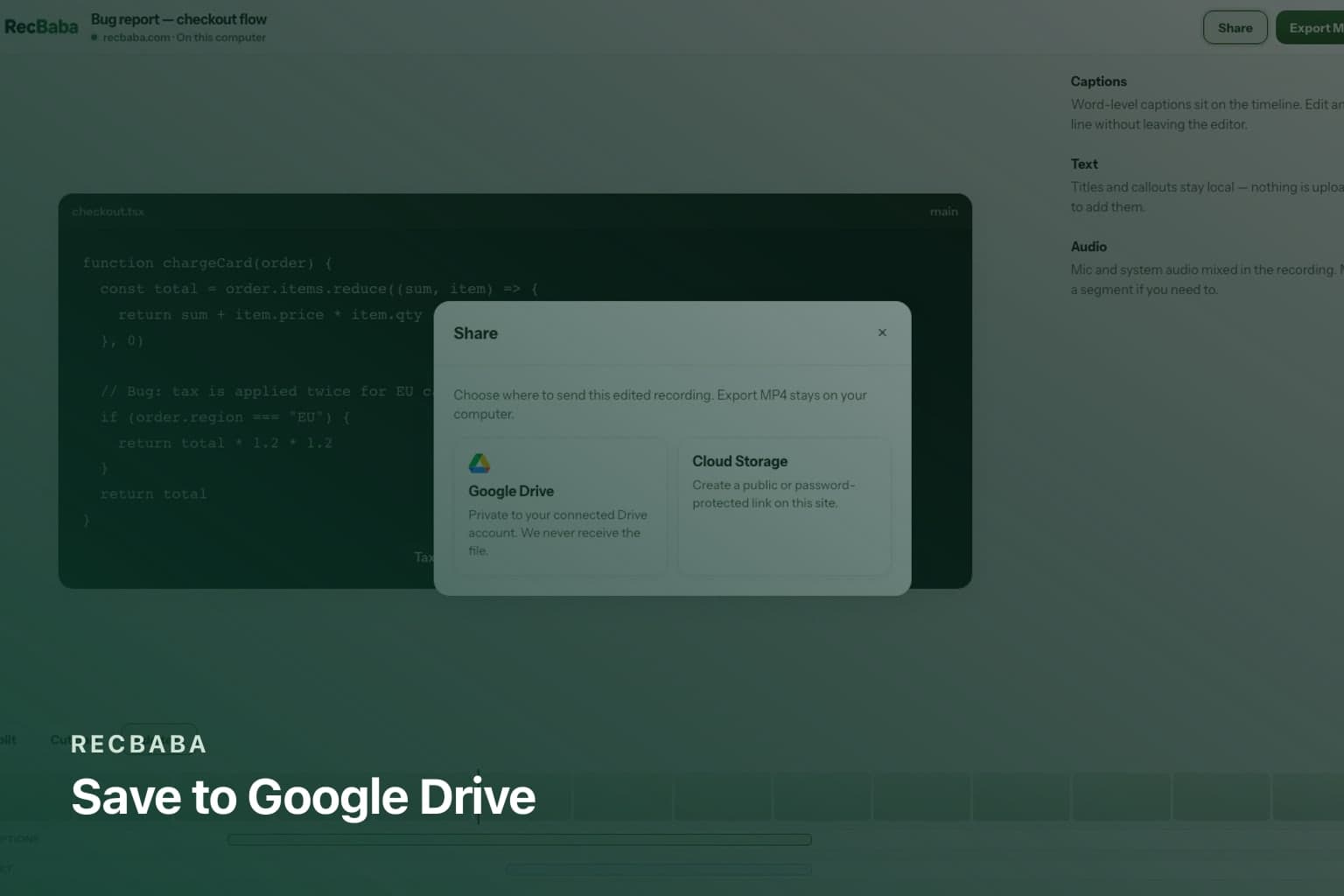
Save a Recording to Google Drive Without Broad Access
RecBaba sends a finished file to Drive with drive.file scope only — browser to Google, never a copy on RecBaba servers, never the rest of your Drive.
Security2 min read
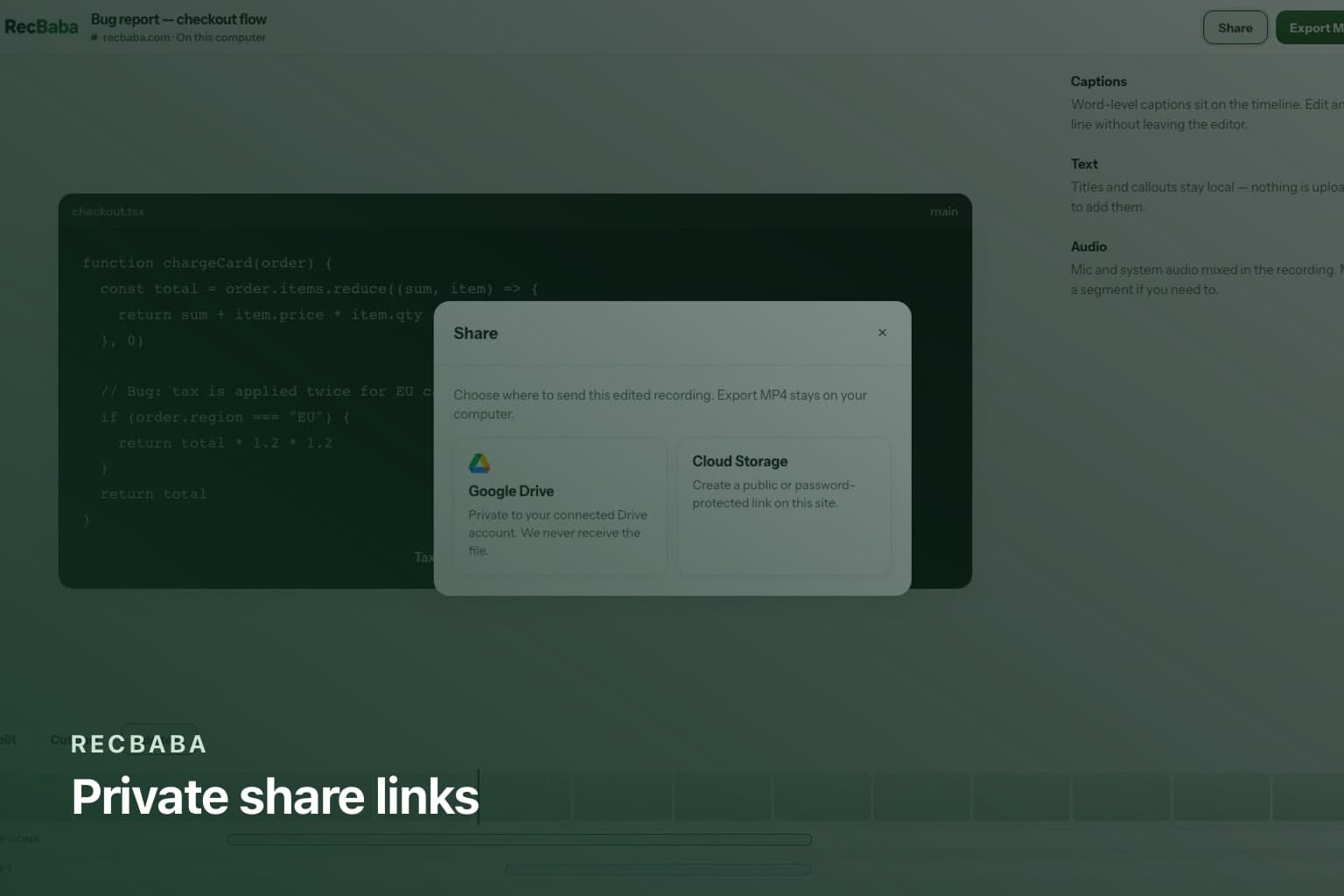
How RecBaba Share Links Stay Private
RecBaba share tokens are long and random, pages are noindex, and you can password, expire, or revoke a link. There is no public directory of recordings.
Workflow2 min read
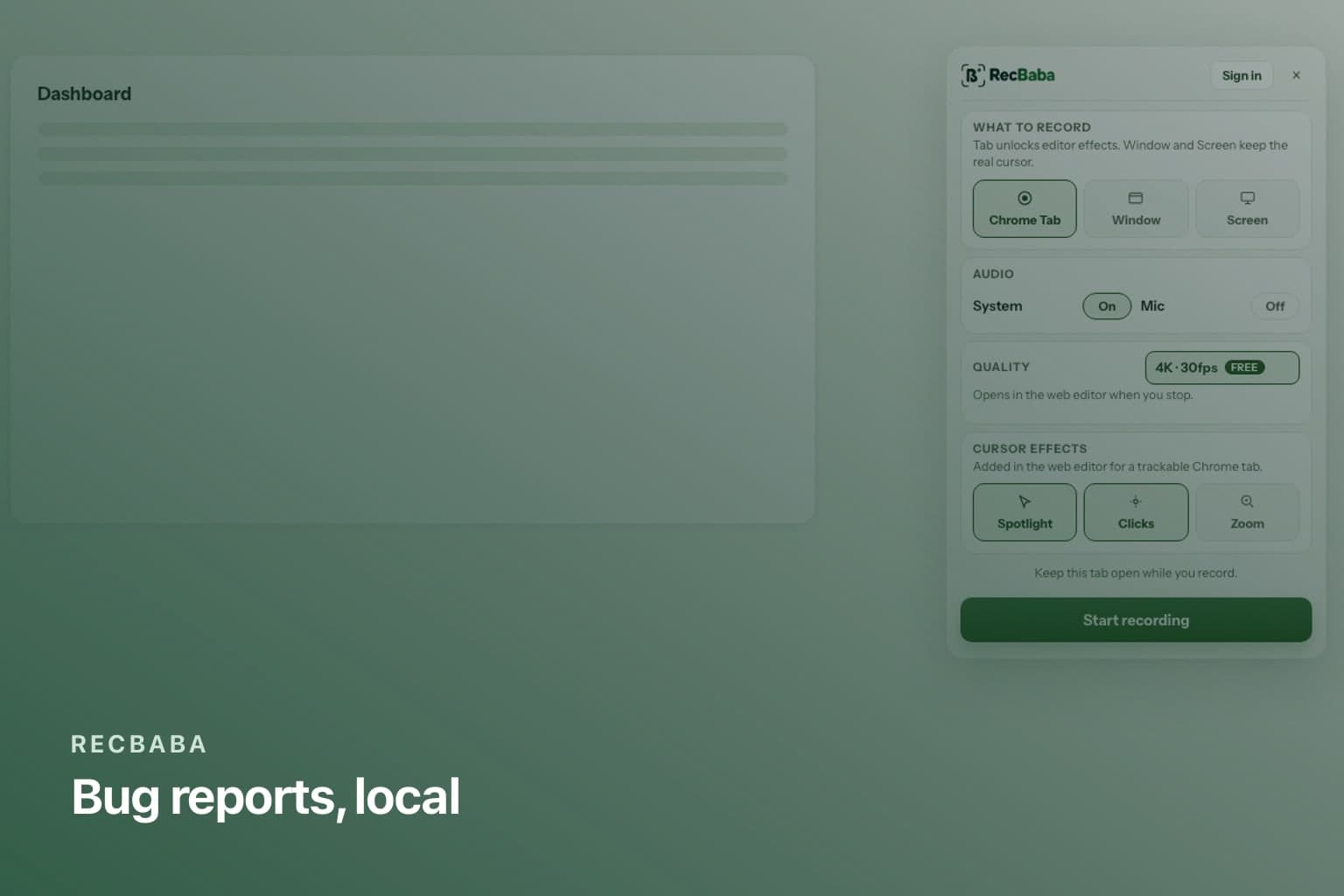
Screen Recording for Support and Bug Reports
Capture a failing checkout or admin screen in RecBaba, keep it local, and share an unlisted link only when a teammate actually needs to watch.
Workflow2 min read
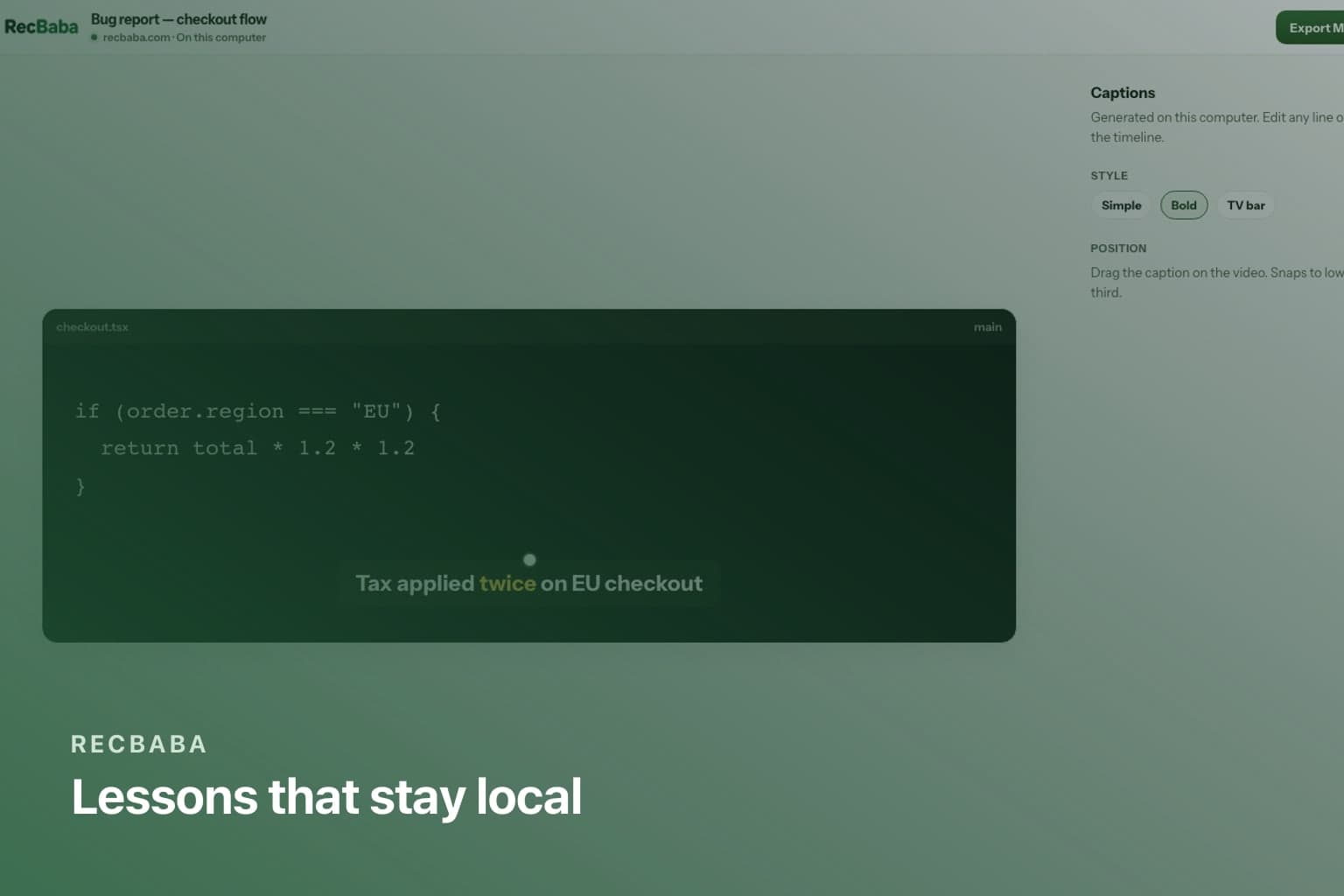
Screen Recording for Teachers and Course Creators
Record a lesson in Chrome with RecBaba, caption it on-device on Pro/Max, export MP4 for your LMS or YouTube — or share a private RecBaba link.
Workflow2 min read
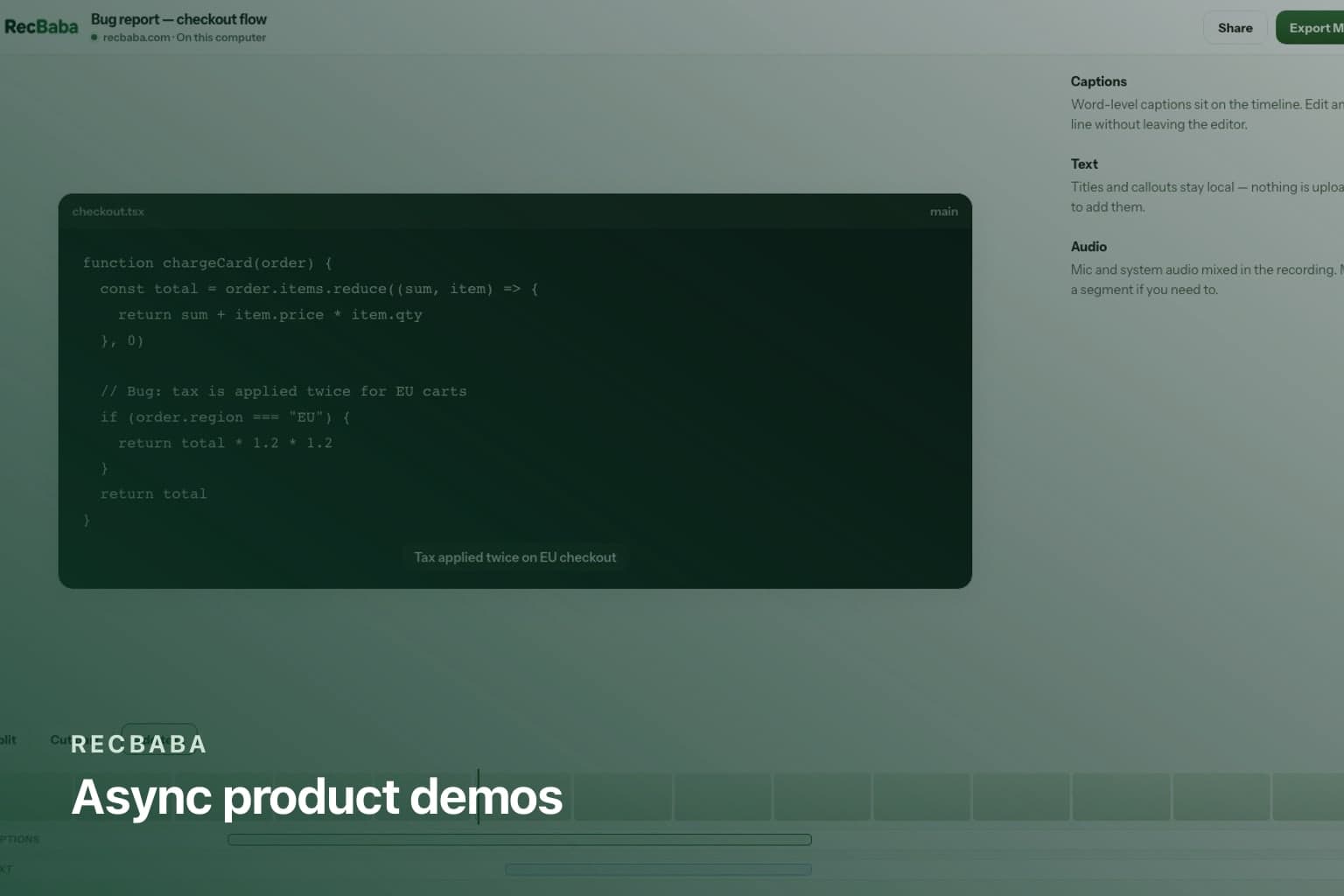
Async Product Demos Without Booking a Meeting
Record a RecBaba product walkthrough, keep it local, then send a branded, chaptered share link instead of another live demo.
Capture4 min read
How to Record in 4K on Chrome — Free, No Watermark, No Login
Record a Chrome tab, window, or the full display in 4K with RecBaba — no watermark, no account, and nothing uploaded until you choose to share.
Audio3 min read
Screen Recorder with Mic and System Audio: Setup Guide
How to capture microphone and system (tab) audio at the same time in RecBaba’s Chrome screen recorder — mixed locally, with no transcription upload.

Workflow2 min read
Record Tutorials and Demos Without Uploading Anything
Record a product demo or tutorial in Chrome and keep the file on your computer. RecBaba edits locally — upload is a button you press later.
Comparison3 min read
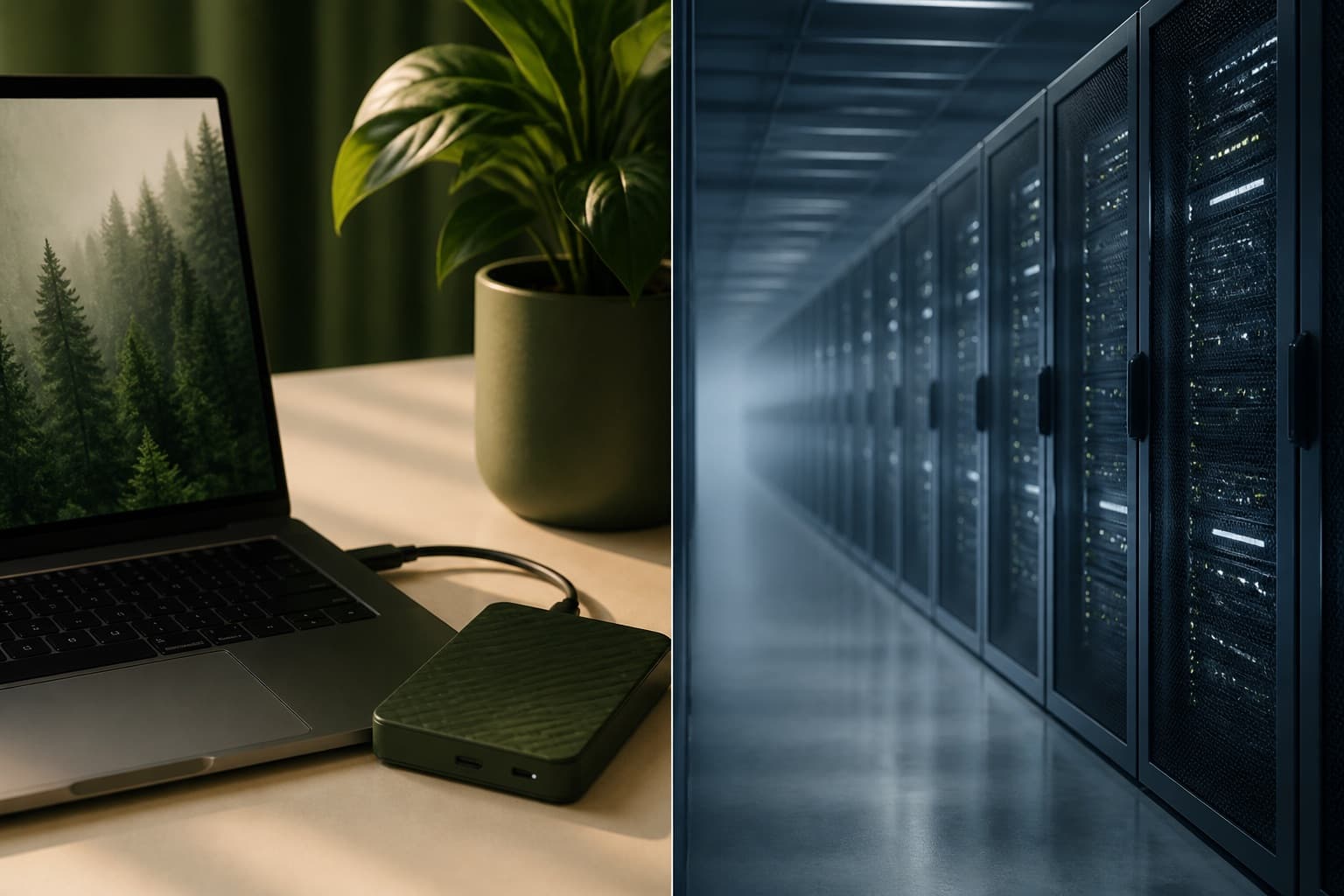
RecBaba vs. Cloud Screen Recorders — Where Your Video Goes
Compare RecBaba’s local-first Chrome recorder with typical cloud tools: when the file uploads, whether you need an account to trim, and who can find a share.
Publishing2 min read
4K Screen Recording for YouTube: Chrome Extension Workflow
A practical workflow: record 4K tutorials in Chrome with RecBaba, export a local MP4 for YouTube — no watermark, and sharing is optional.