
RecBaba vs. Cloud Screen Recorders — Where Your Video Goes
Compare RecBaba’s local-first Chrome recorder with typical cloud tools: when the file uploads, whether you need an account to trim, and who can find a share.
On this page
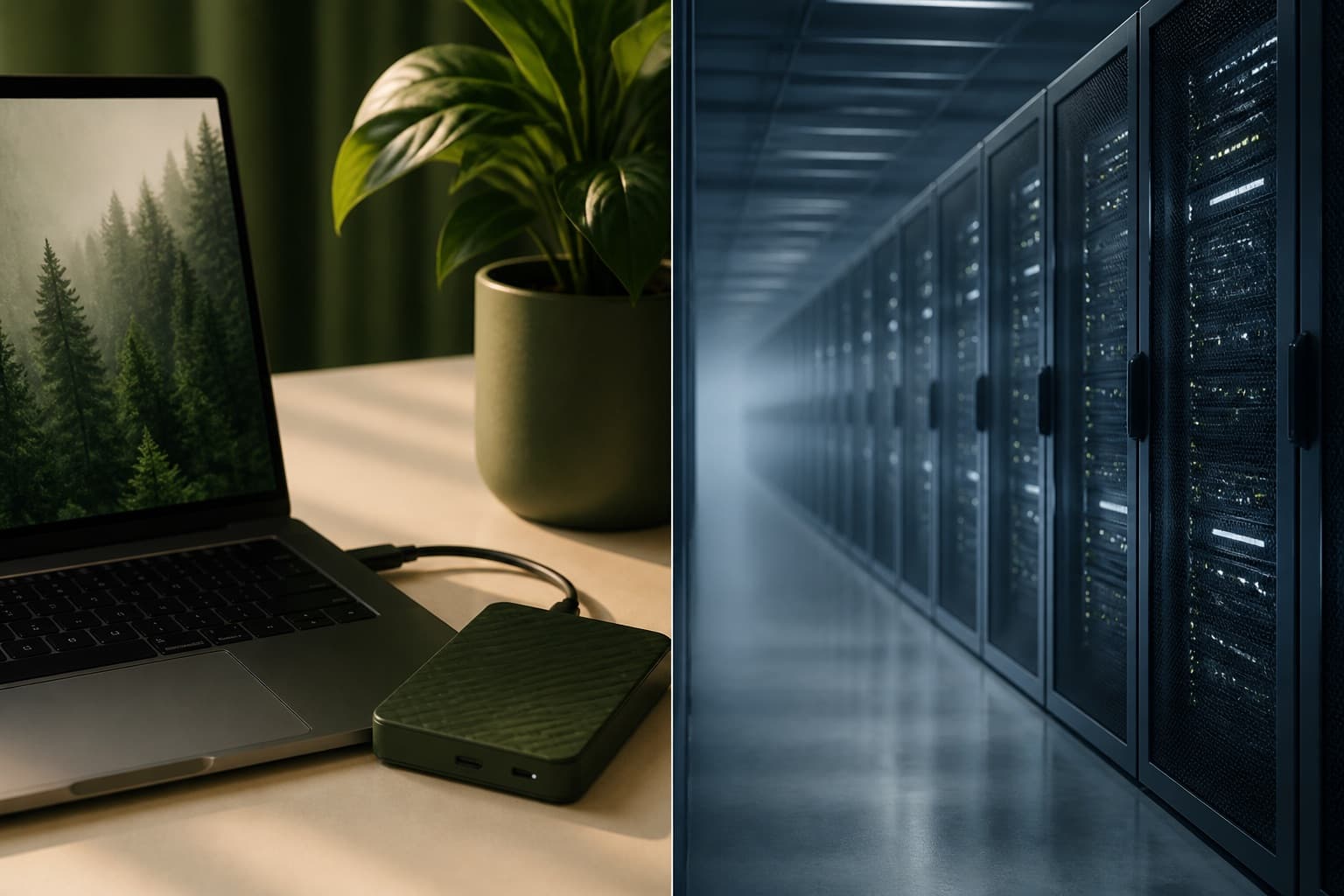
The difference is not a feature checklist. It is the default after you press stop. Typical cloud screen recorders start an upload so the clip is ready in chat. That is convenient. It is the wrong default if the screen showed a customer, an internal tool, or a password field.
| Decision | RecBaba | Typical cloud recorder |
|---|---|---|
| Where the file is after stop | On this computer. No upload has started. | A copy is often already heading to hosted storage. |
| Account to trim and export | Not required. Captions and music mixing are Pro/Max, still on-device. | Often a sign-in wall, or a watermark until you create a login. |
| What Share means | A button you press. Unlisted link, password, expiry, revoke. | Often the primary object — a URL in a workspace, sometimes retained longer than you expect. |
| 4K on the free tier | Included, 30 or 60fps, no watermark. | Often metered. Hosting every take costs them money; local capture does not. |
Where the file is, immediately after stop
RecBaba: on your computer, in the browser. The editor opens that file. No upload has started.
Typical cloud recorder: a copy is already heading to someone else’s storage, often before you have trimmed the take or decided anyone else should see it.
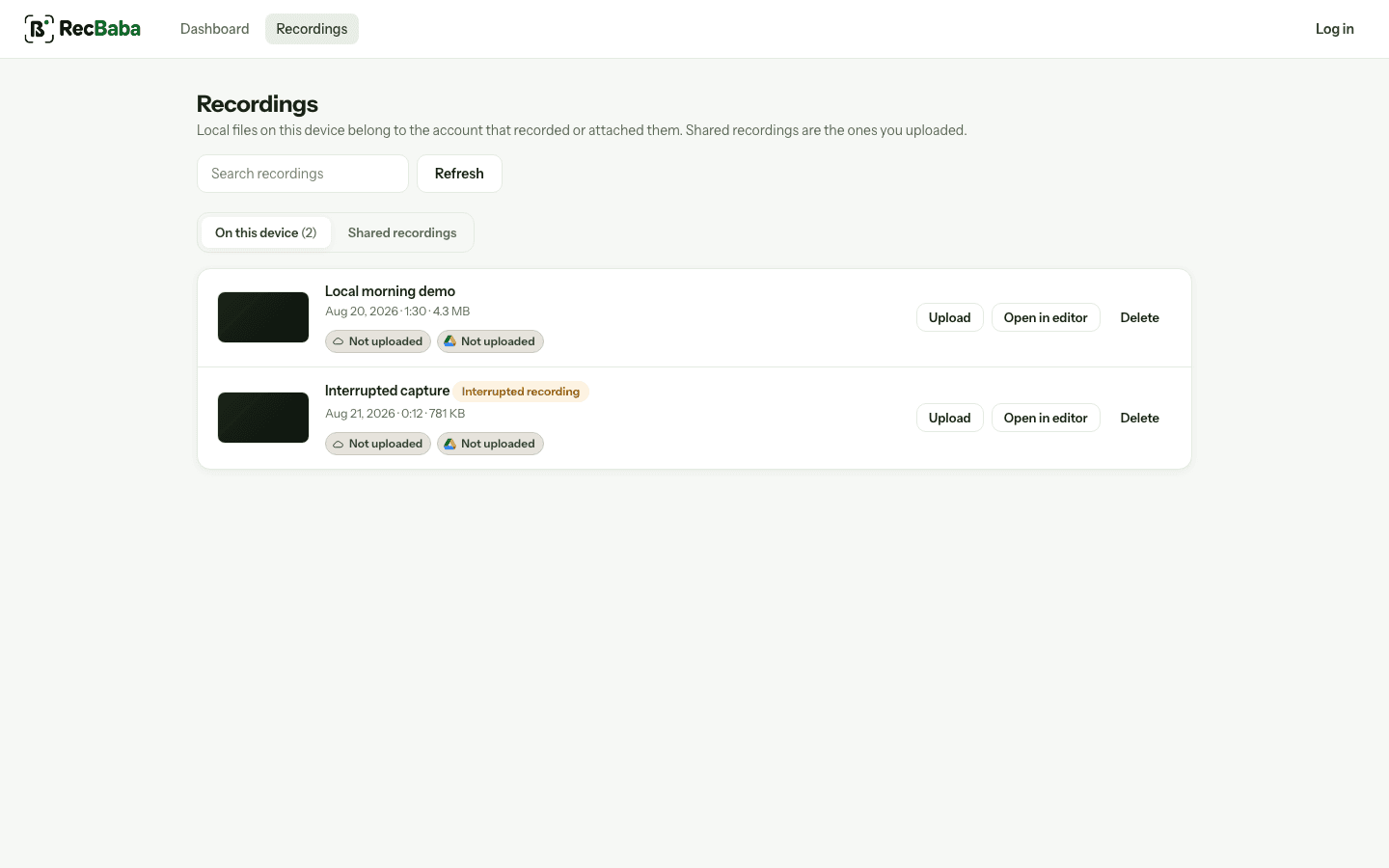
Local and shared are different lists on purpose. A take can live only on the left.
Whether you need an account to edit
RecBaba lets you trim, crop, overlay text, and export MP4 with no account. Captions and music mixing are Pro and Max, still generated on your device. An account exists for sharing, not for opening the timeline.
Many cloud tools put a sign-in wall in front of the editor, or in front of a watermark-free export. The recording becomes a reason to create a login.
What “share” means
In RecBaba, Share is a button you press. The link is unlisted. You can password it, expire it, and revoke it. There is no public directory of recordings.
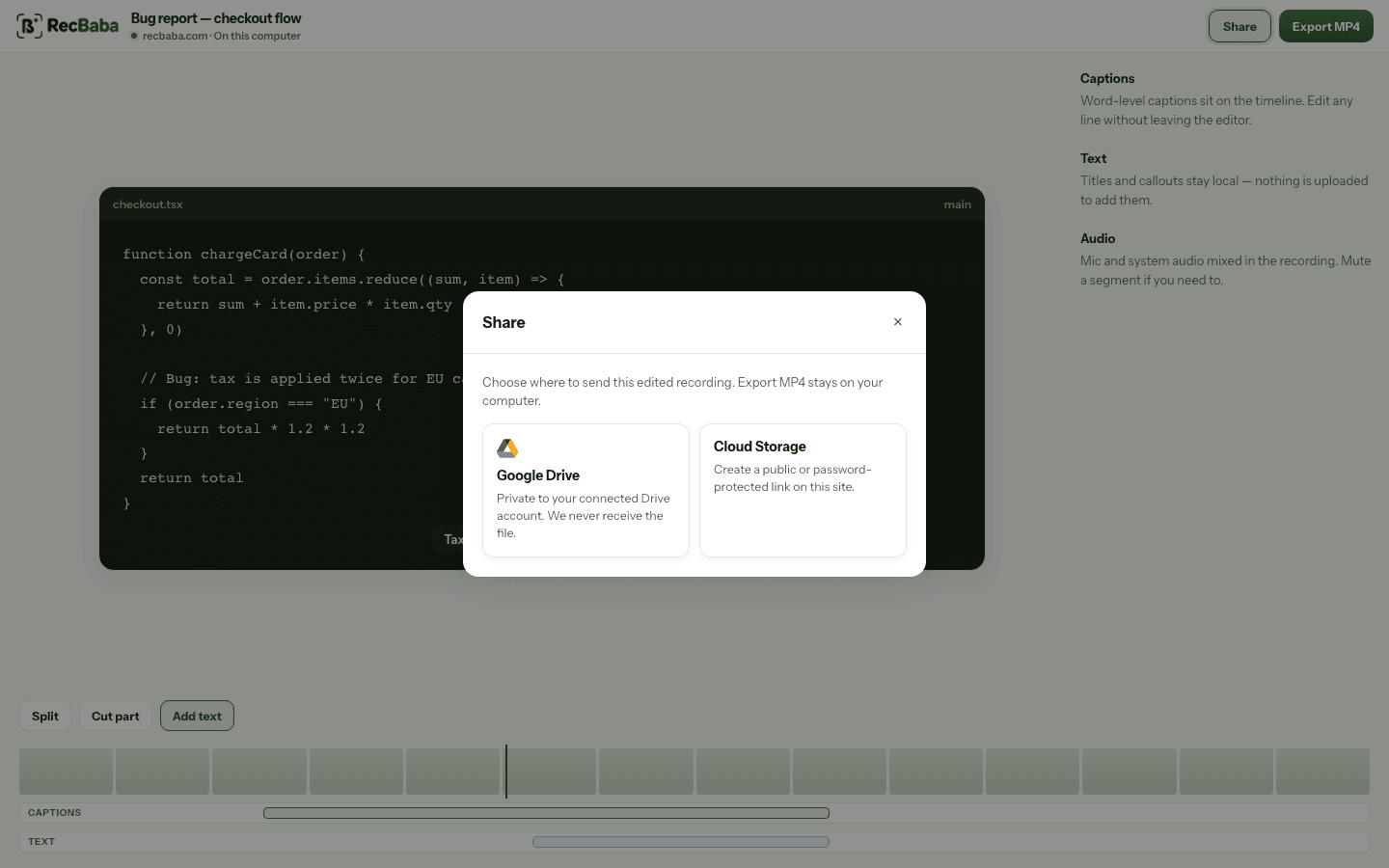
Share is explicit. Export MP4 stays on your computer even when this dialog is open.
In a typical cloud product, a share is often the primary object — a URL in a workspace, sometimes guessable, sometimes indexed, sometimes retained after you think you deleted the clip. Read that product’s privacy page; do not assume.
4K, watermarks, and the free tier
RecBaba includes 4K (30 or 60fps) on the free plan, with no watermark on export. The Chrome Web Store listing for Screen Recorder 4K is the same product. Cloud competitors often meter resolution, duration, or branding on the free tier because hosting every take costs them money. Local capture does not.
When a cloud-first tool is the right choice
If your job is “drop a clip into Slack in five seconds and never touch a file,” a cloud default can be faster. RecBaba is built for the other job: capture first, decide later, and keep the file on the machine that recorded it until you say otherwise.
Record the next take locally
4K, mic and system audio, no watermark. The file stays on this computer until you choose to share.
Start recording