Record Tutorials and Demos Without Uploading Anything
Record a product demo or tutorial in Chrome and keep the file on your computer. RecBaba edits locally — upload is a button you press later.

On this page
A tutorial often includes a dashboard, a customer name, or a settings page you would not paste into a public cloud. Cloud-first recorders treat “stop” as “upload.” RecBaba treats “stop” as “the file is on this computer.” You can still share later. You do not have to.
The default after stop is local storage, not someone else’s bucket. That is the product, not a setting buried in a privacy page.
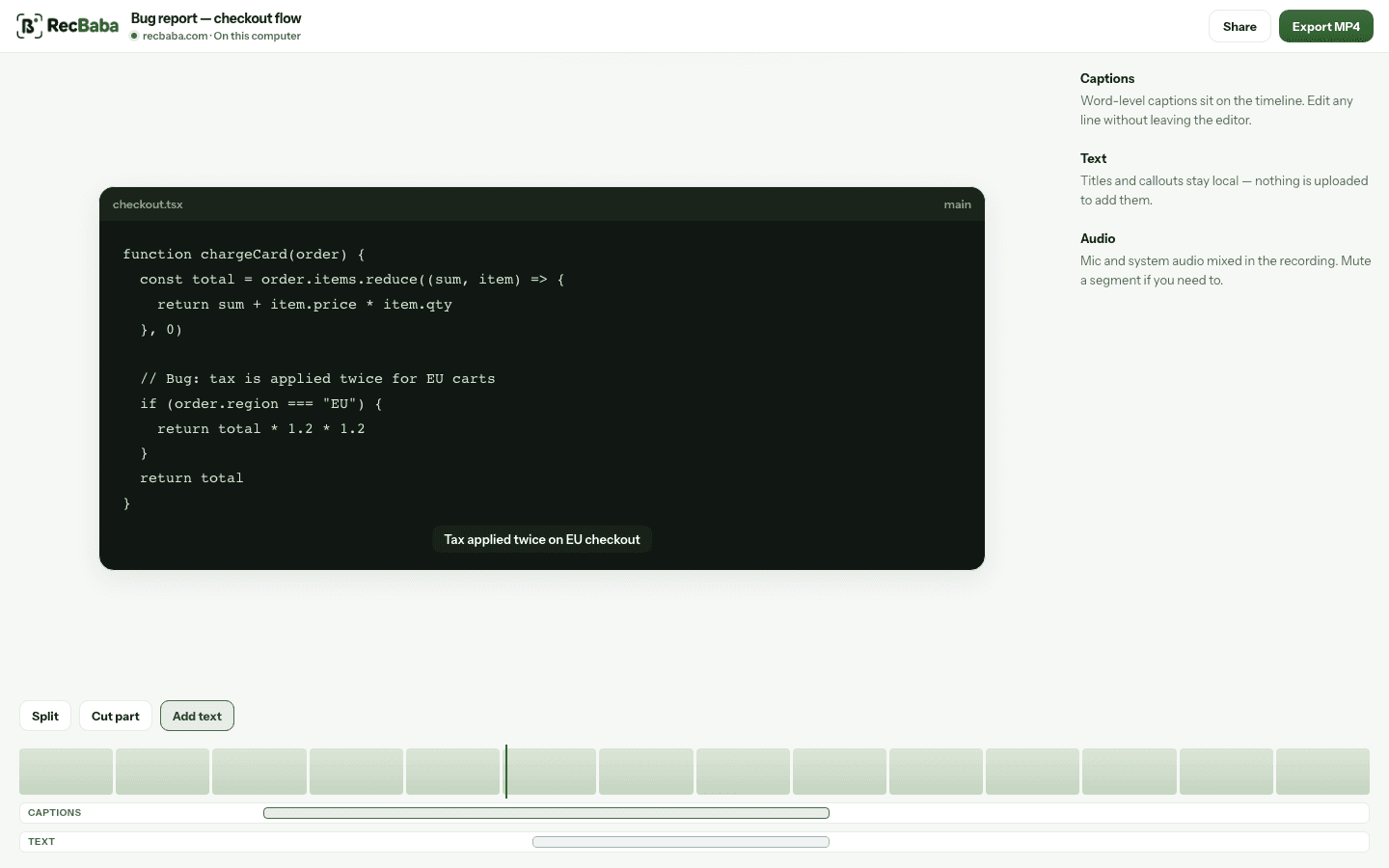
The editor opens the take from local storage. Export MP4 writes to Downloads. Opening this view never starts an upload.
Record the demo as a Chrome tab
For a website or web app, record the tab. The overlay stays on the page you are showing, so you are not cutting away to a separate recorder window. Mic and tab audio mix locally. If you want a spotlight or click rings, those are editor effects applied on export — they do not change the captured file while you talk.
Edit without creating an account
When you stop, the editor opens the recording from local storage. Trim the fumble at the start. Cut the section where you opened the wrong menu. Add a text overlay. Export MP4 to Downloads. None of that starts an upload, and none of it requires an account. Auto captions and music mixing are Pro and Max, and they still run on this computer.
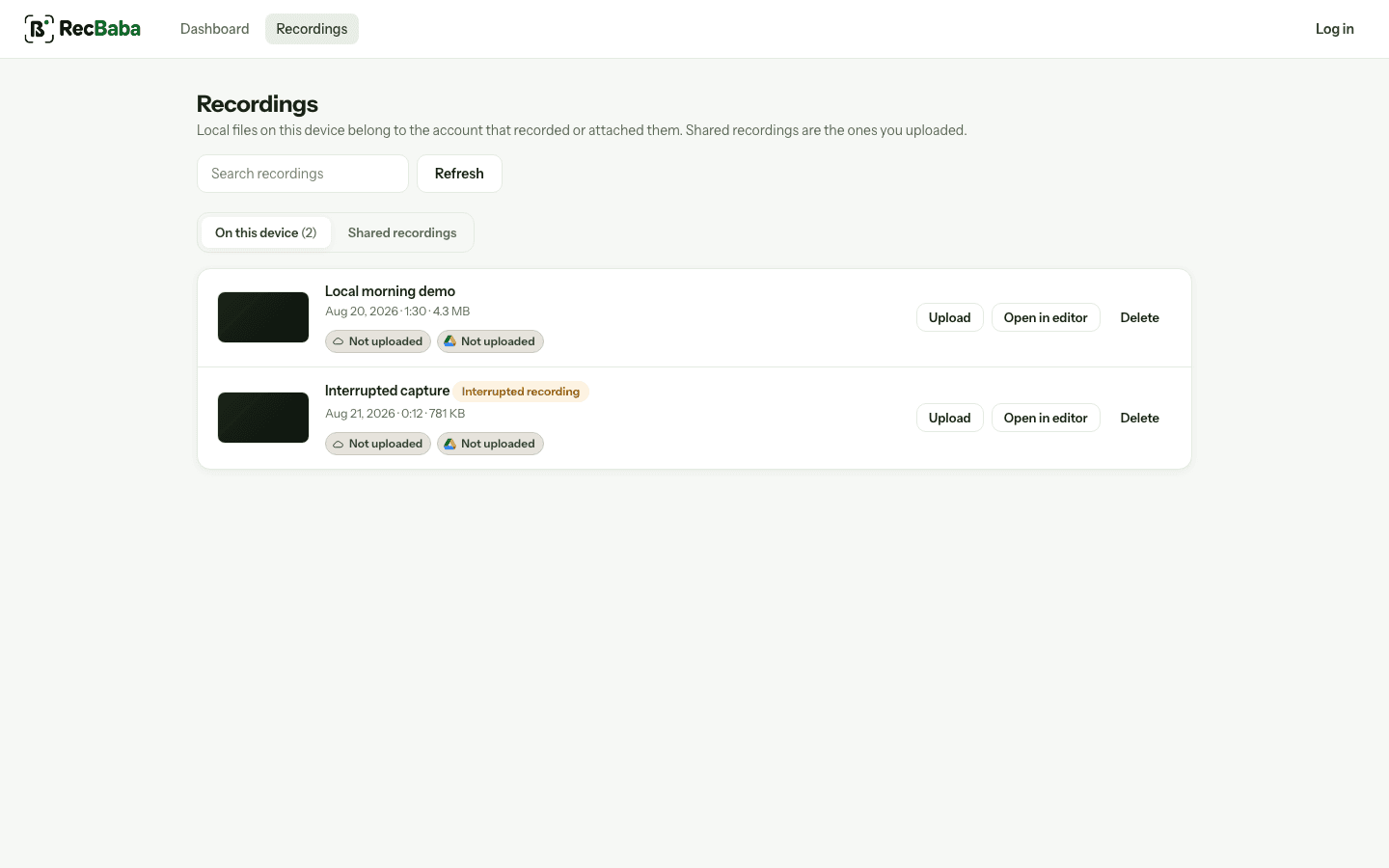
Recordings on this computer stay on this computer. Shared links, if you create any, are a separate list.
When a link is actually useful
Sometimes a teammate should watch in the browser instead of downloading a file. That is the Share button. RecBaba will ask you to log in or create an account if you are not signed in, then upload that one file and give you a private link. You can add a password, set an expiry, block downloads, and revoke the link. There is no public gallery and search engines are asked not to index shares.
If the tutorial should never leave the building, skip Share. Hand someone the MP4. RecBaba has no copy.
What this is not
- It is not a meeting bot that joins Zoom for you.
- It is not an automatic cloud library of every take.
- It is not a watermarked “free plan” export. The file is yours.
Record the next take locally
4K, mic and system audio, no watermark. The file stays on this computer until you choose to share.
Start recording