
Trim the edges
Drag the start and end handles on the filmstrip. Pull them back out if you cut too much — the source file is still there.
Video Editor
Trim, crop, and export on this computer. Captions and music mixing are Pro and Max. Nothing is uploaded to open the editor. Export writes an MP4 to your downloads. Share is a different button.
Timeline
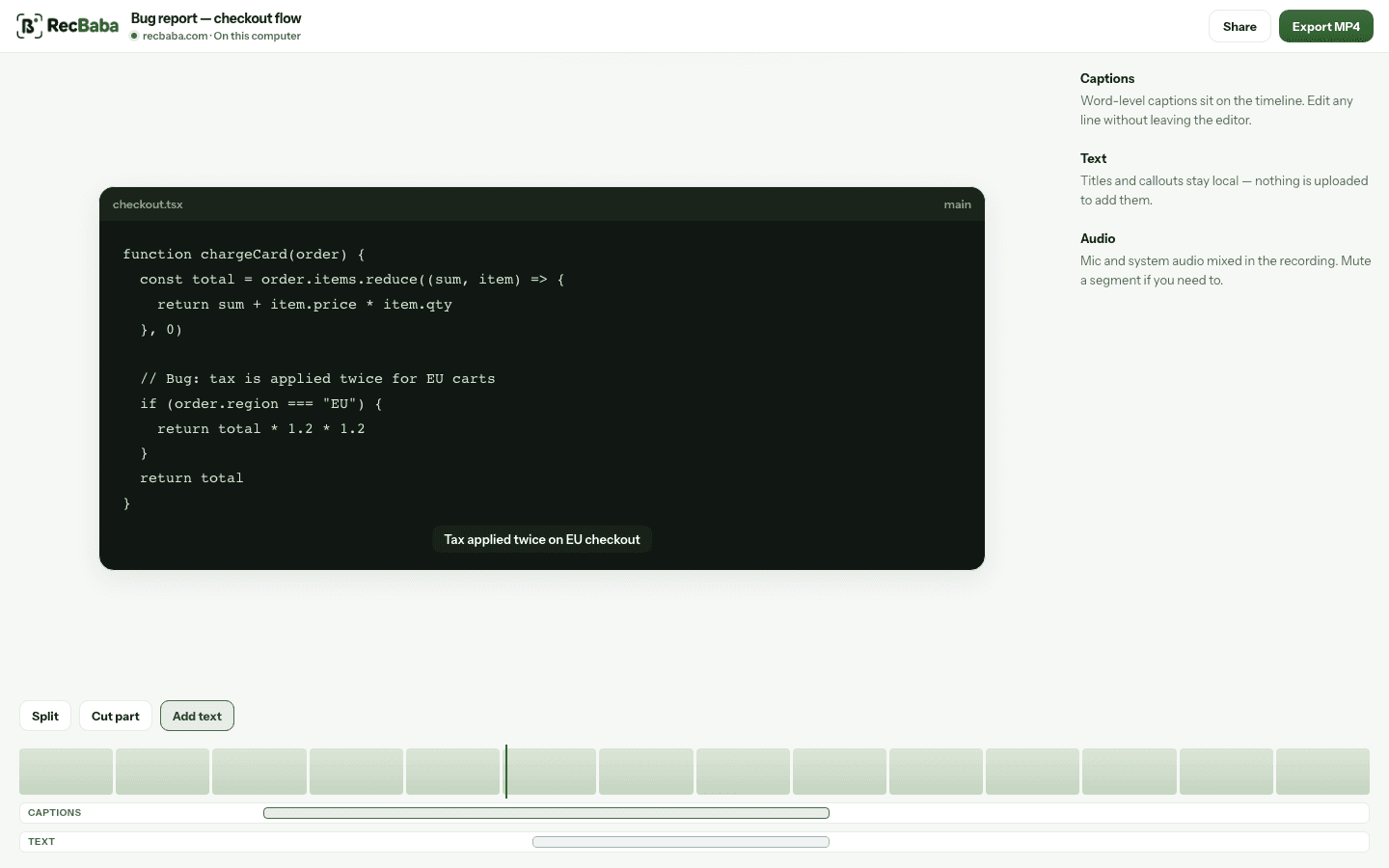
The original recording stays on this computer. The timeline is the edit — split a take, drop a middle section, speed up a stretch, mute a clip.
Drag the start and end handles on the filmstrip. Pull them back out if you cut too much — the source file is still there.
Split at the playhead, or drag a range and cut it. Deleted stretches show as dimmed on the filmstrip so you can see what you dropped.
Select a segment and set 0.5× to 2×, or mute just that stretch. Useful when a pause runs long or a notification talks over you.
Captions
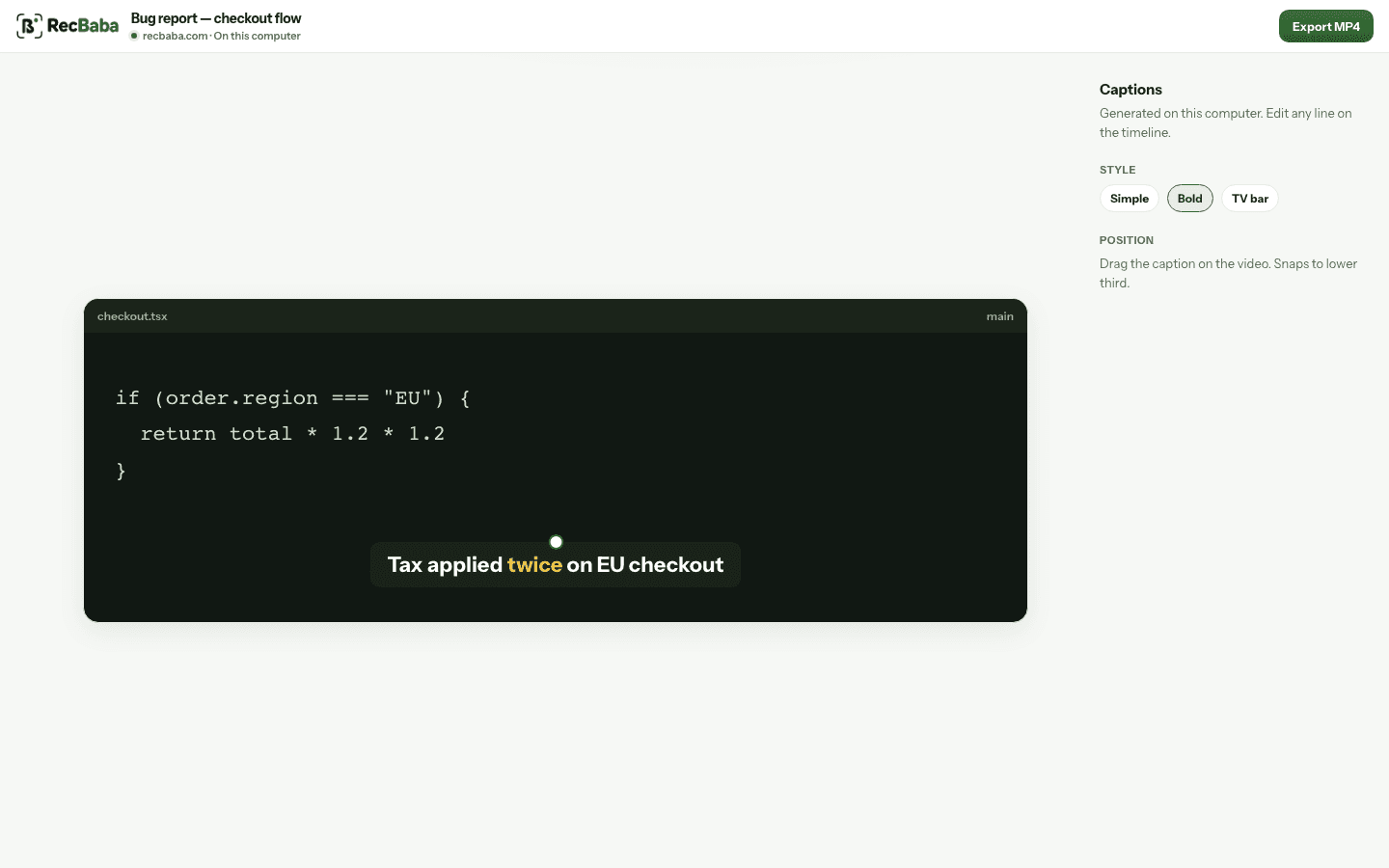
Pro and Max can generate English captions in the browser. The first run downloads a speech model to your machine — the audio never leaves the device. Edit any line on the timeline. Free can still trim, add text overlays, and export.
Auto-captions include word timings. During playback the spoken word lights up in gold. Pick a style, drag the caption to a snap point, and resize it.
Text
Add a heading, a label, or a callout without uploading. Drag it, resize it, set font, color, and how long it stays on screen.
Click Add text. Type in place. Move and resize on the preview. The block also lives on its own timeline lane so you can time it to the moment.
Sans, Serif, or Mono. Size, bold, left/center/right, text and background color, opacity. Set duration in seconds.
Titles never require an account. Export bakes them into the MP4. Share is still a separate, explicit step.
Cursor effects
When you record a Chrome tab, the editor can add a spotlight, click rings, and a follow zoom. They are baked into Export MP4 — the original file stays untouched.
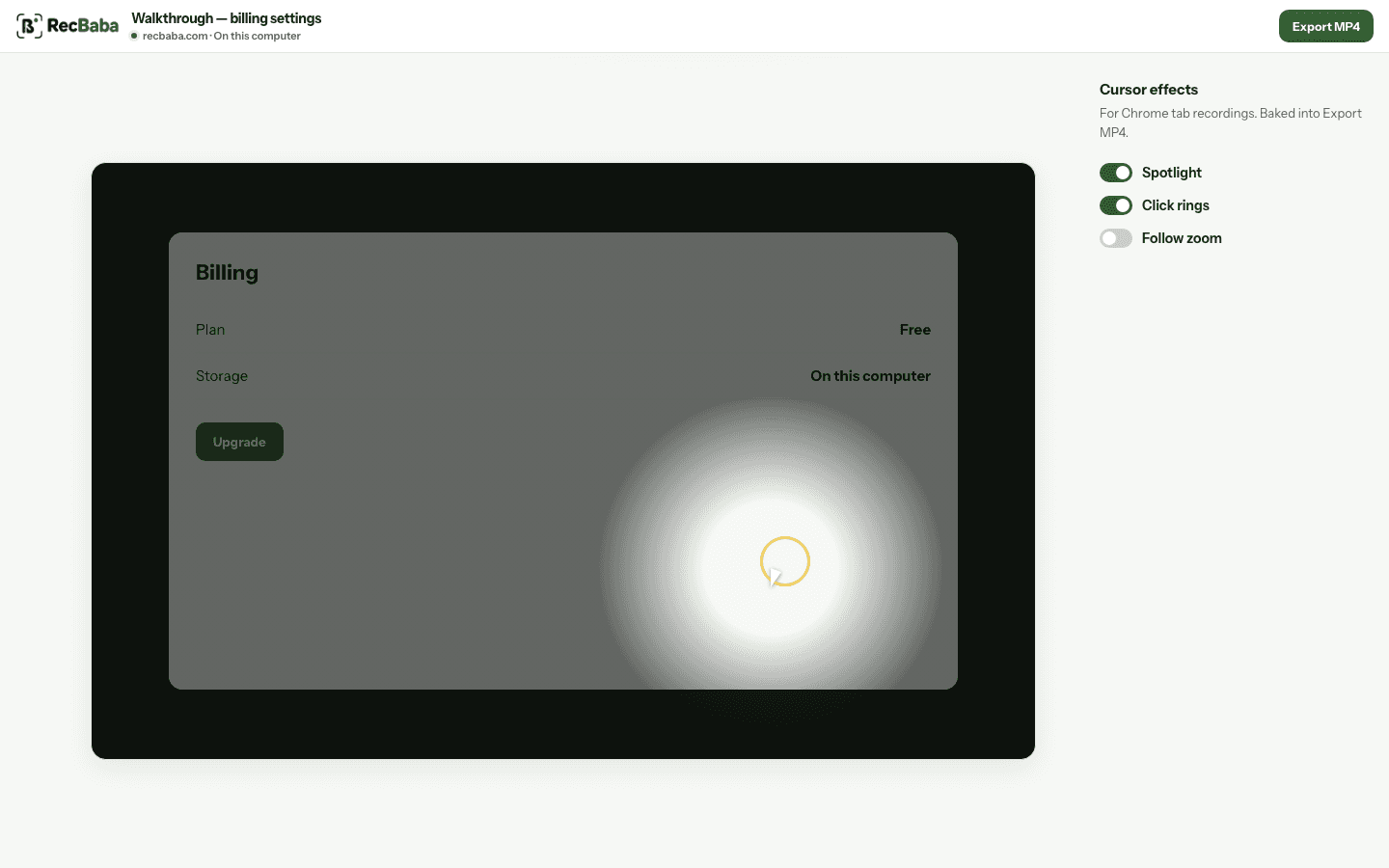
Turn each effect on or off. Follow zoom is off by default so a calm walkthrough stays calm. Screen and window recordings skip this panel — it needs a tab recording.
Frame
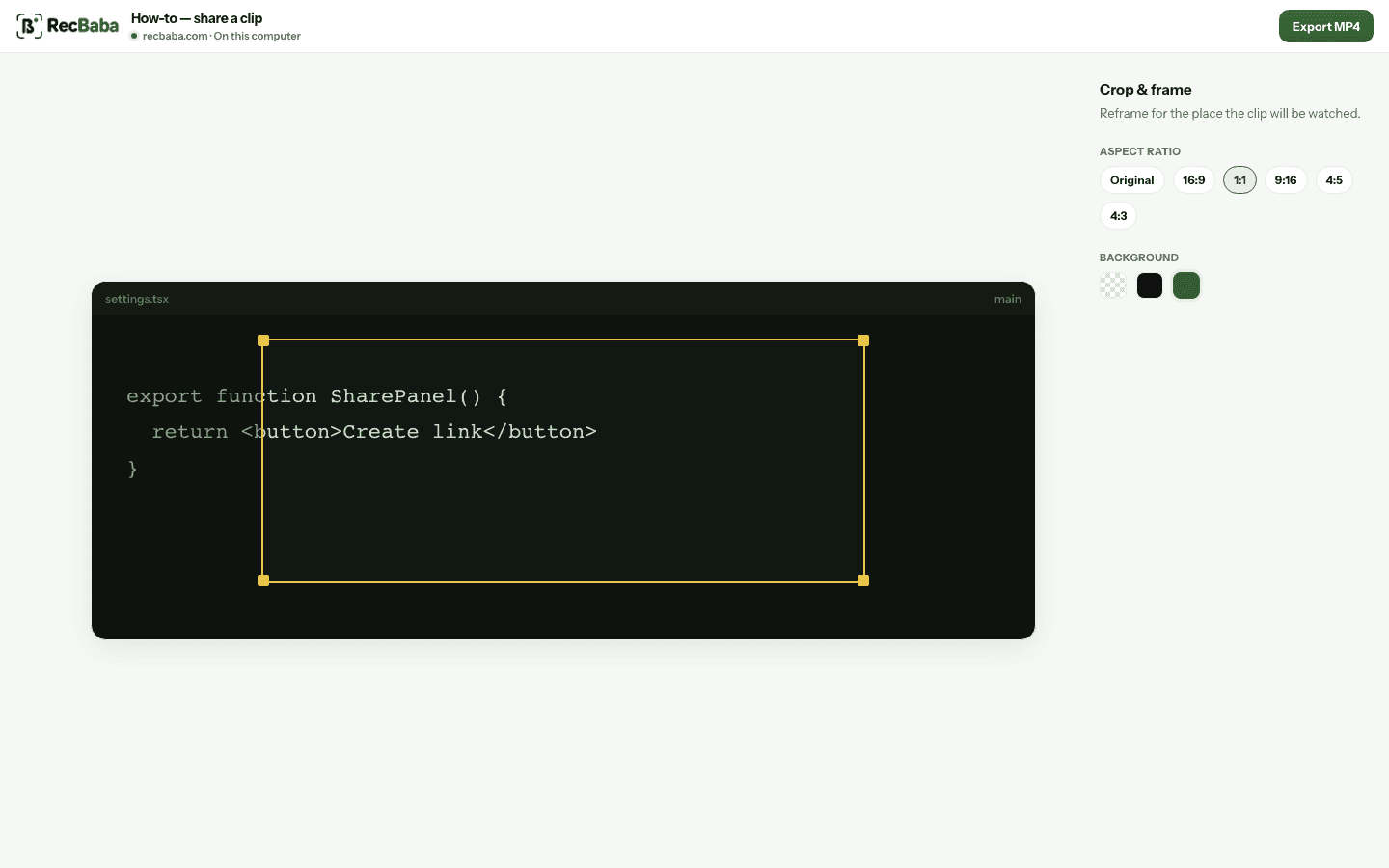
Reframe a desktop capture for a square post or a vertical story. Letterbox bars can be black, none, or a color you pick.
Original, 16:9, 4:3, 1:1, 9:16, and 4:5. Drag the crop box on the preview, then choose a background for the empty space.
Audio
Pro and Max can turn original volume up or down, mute a clip, or drop in a music file. Fades and loop live on a waveform lane. Free keeps the captured mic and system audio as recorded.
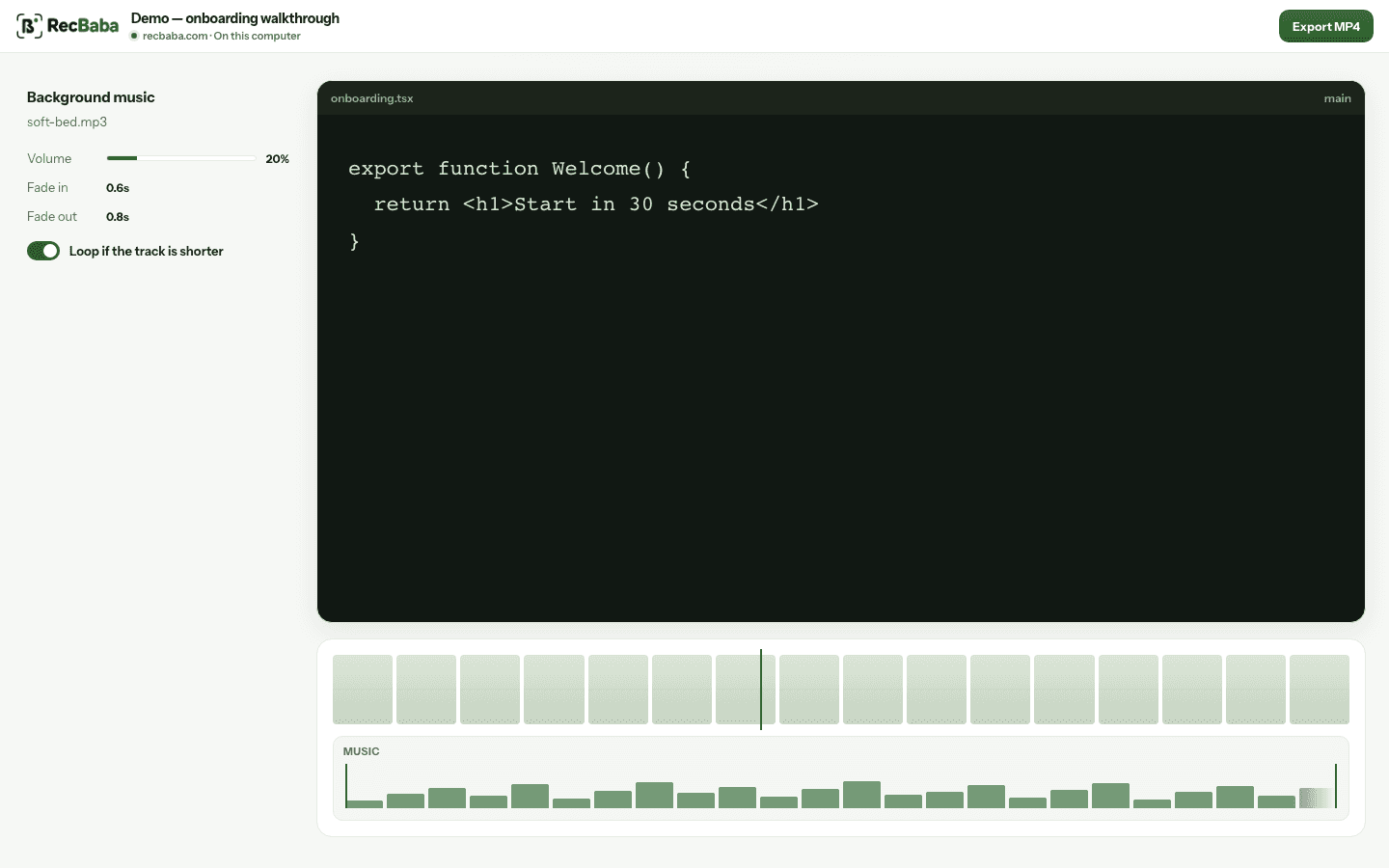
Upload one track — MP3, WAV, M4A, and similar. Trim it on the timeline, fade in and out, loop if it is shorter than the video. Preview hears the mix before you export.
Export
Export MP4 stays on your computer and never needs an account. Creating a link is the only step that uploads.
Shortcuts
Edits save on this computer as you work. Undo goes back up to 30 steps. Reset restores the original take without deleting the file.
What the editor will not do
If you already captured something, it is in the library on this device.
Open Editor