Mix Music into a Local Screen Recording
Add one music bed to a RecBaba recording on Pro and Max — volume, fades, and loop on a waveform lane, mixed on this computer.
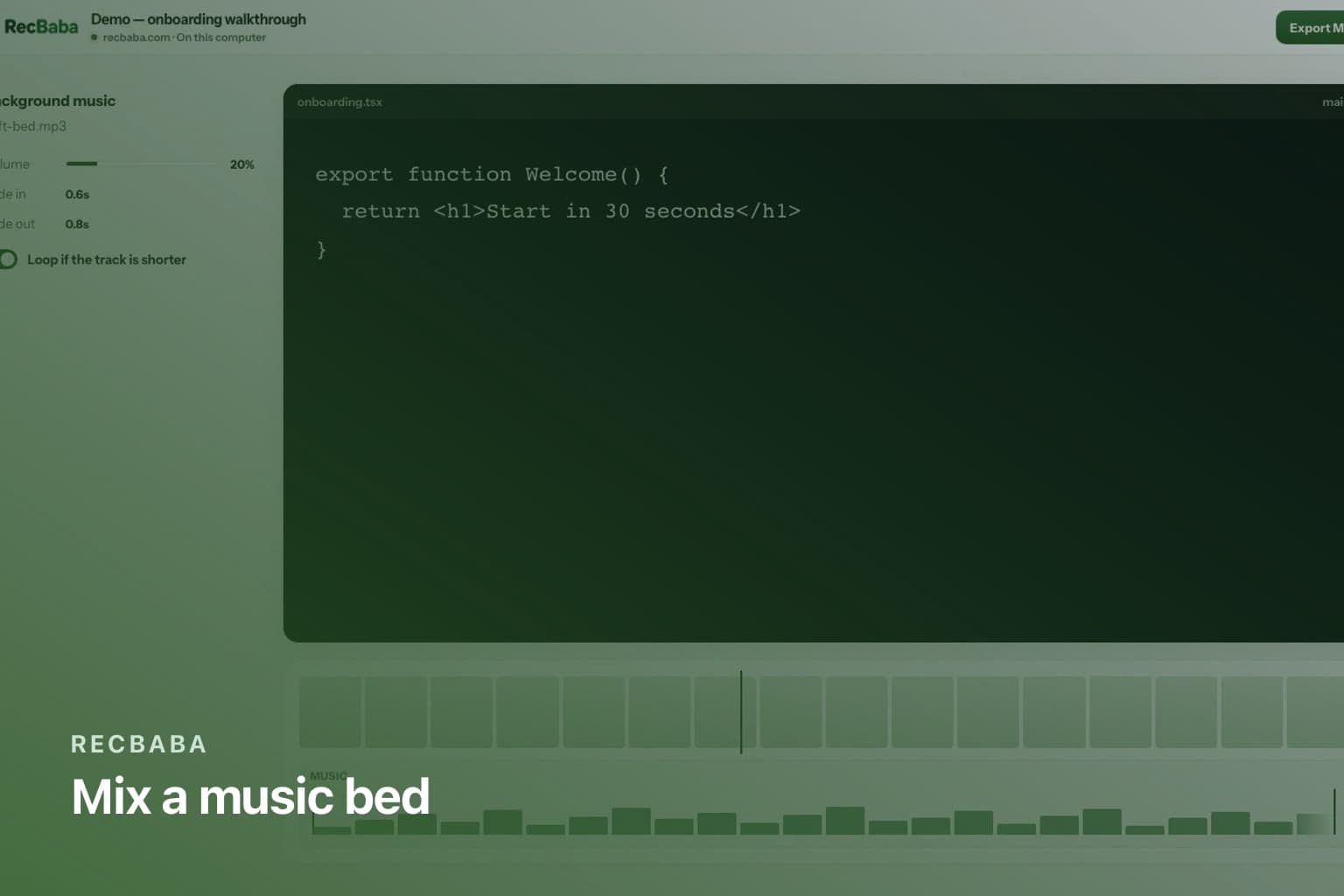
A tutorial often needs a quiet bed under the voice. RecBaba does not stream a canned library into the timeline. You upload one file — MP3, WAV, M4A, and similar — trim it, fade it, loop it if it is shorter than the video, and preview the mix before export. Original mic and computer audio stay on the recording. Mute a single segment if a notification talked over you.
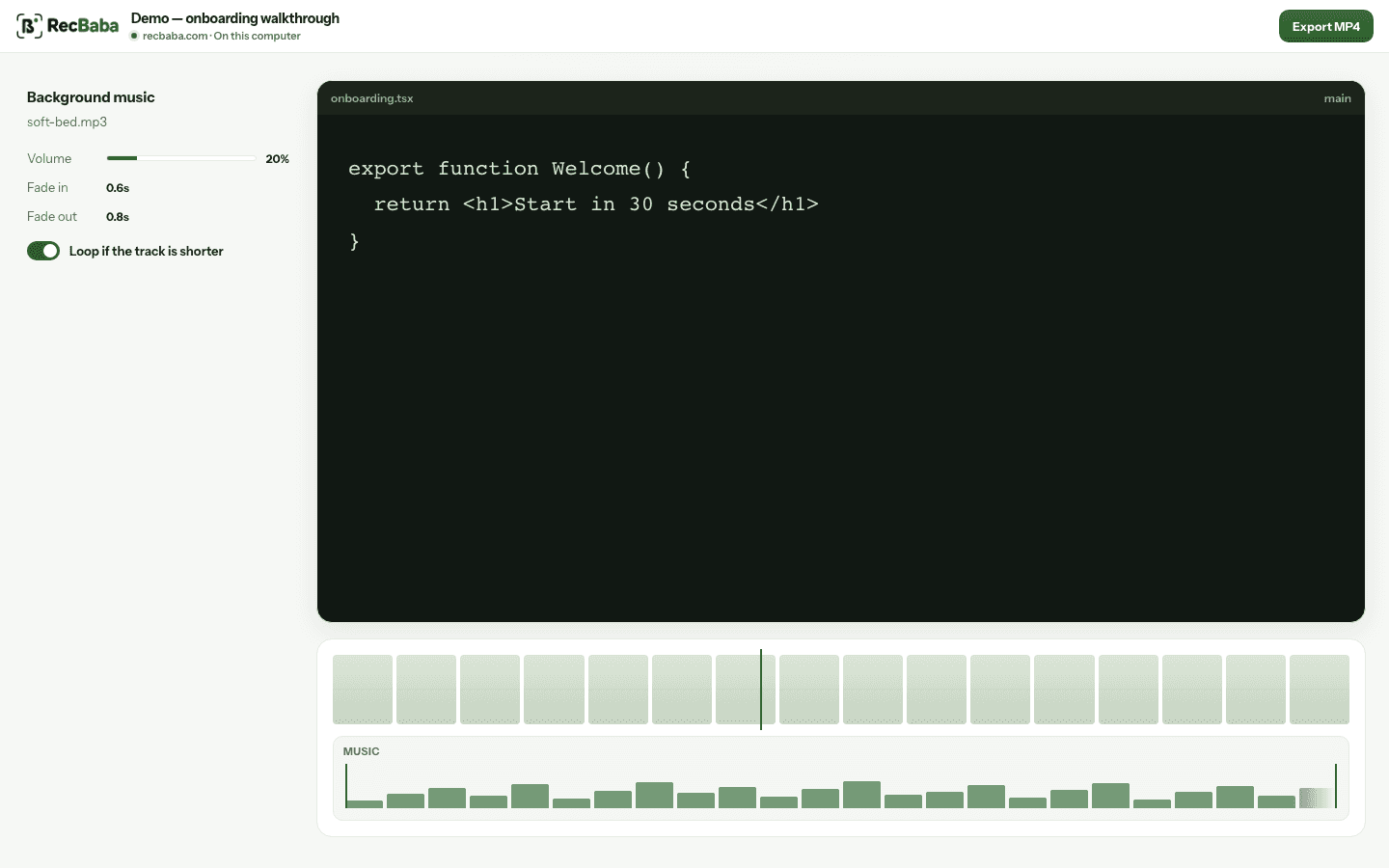
Fades and loop live on a waveform lane. Preview hears the mix before you export.
A clean bed, without a second app
- Open the take in the local editor on Pro or Max.
- Add one music file you have the right to use.
- Set music volume under the voice. Fade in and out.
- Loop if the bed is shorter than the video.
- Export MP4. The mix is in the file. Share is still optional.
| Need | Original audio | Music |
|---|---|---|
| Voiceover only | Mic on, as captured | Off or very low |
| Product that already makes sound | Keep tab/system audio | Off, or a thin bed |
| Silent UI plus a bed | Mute segments that clatter | On, with fades |
Rights stay yours to check
RecBaba does not license music. If the clip will be public, use a track you own or a license that covers the destination. Local-first mixing is not a shortcut around copyright.
Keep the bed quieter than the voice. Headphones while you preview. If a notification hit the mic, mute that segment instead of drowning it with music. One file is the limit on purpose — this is not a multitrack DAW, and stacking beds belongs in an NLE you already prefer.
Record the next take locally
4K, mic and system audio, no watermark. The file stays on this computer until you choose to share.
Start recording