RecBaba account
Sign in with Google or with email and password so we know whose uploaded recordings to list. Signing in does not let us open your Drive.
Google Drive
Connect Drive when you want a copy in your own account. The file is uploaded from your browser straight to Google — it never passes through our servers. We store an encrypted refresh token so we can mint a short-lived access token in this browser when you save. We can only create new files this app makes — never see or read anything already in your Drive. Signing in to RecBaba does not grant Drive access by itself.
Two permissions
Sign in with Google or with email and password so we know whose uploaded recordings to list. Signing in does not let us open your Drive.
A second permission, from Settings or when you save a recording. Scope is drive.file — files this app itself wrote, never the rest of your Drive. A refresh token is stored encrypted on our server; access tokens stay in this tab.
Settings revokes the grant with Google and deletes the stored refresh token. Existing files in your Drive stay yours.
What we can and cannot do
Not this product
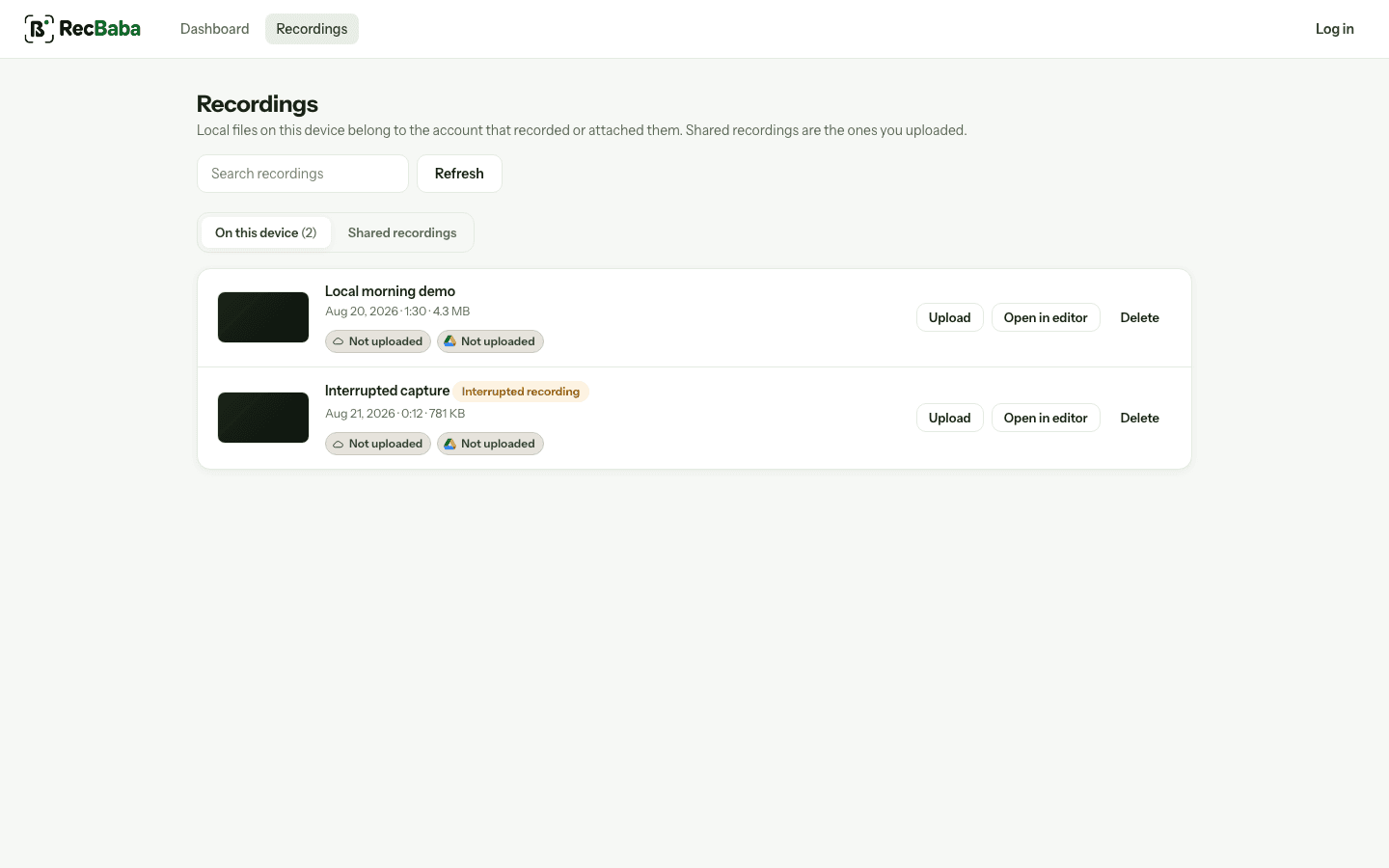
The library on this device does not depend on Google Drive being connected.
Start Recording