Features
Four parts of the product, plus Brand Kit and AI on the share.
Recording, editing, sharing, Brand Kit, and Drive are separate on purpose. Start with capture. Everything else is a choice you make later.
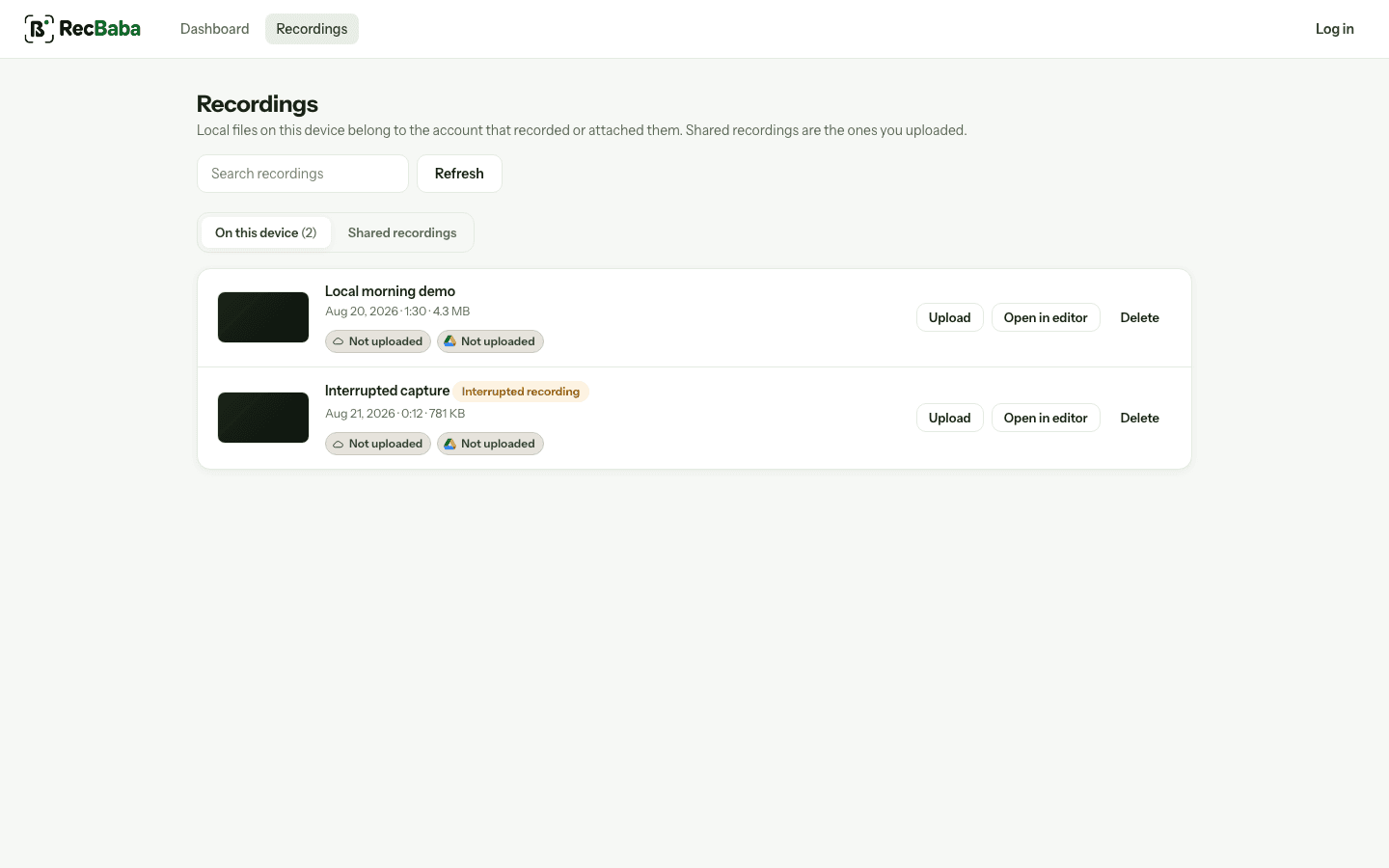
Product map
Jump to the part you care about
4K Screen Recorder
Capture a tab, window, or the whole screen — up to 4K — with mic and computer audio, without creating an account.
Learn more →Video Editor
Trim, crop, and export an MP4 on your computer. Captions and music mixing are on Pro and Max. Opening the editor never starts an upload.
Learn more →Sharing
Need a link? Click Share. That is the only step that uploads, and you control who can watch. Transcript after Share on Pro+. Summary and chapters on Pro and Max.
Learn more →Brand Kit
Max: a share-page studio — logo, colors, content blocks, and an end-screen CTA — so the link looks like your product, not ours.
Learn more →Google Drive
Save a finished file to your Drive only when you ask. The upload is browser-to-Google; we never see the rest of your Drive.
Learn more →Camera & Camera Bubble
Include your webcam in the recording. Camera and the on-screen bubble are free on every plan and stay on your device.
Learn more →AI transcript, summary, chapters
After Share, generate a transcript on Pro+. Summary and chapters are Pro/Max and use the monthly AI-minutes allowance.
Learn more →At a glance
What happens where
Recording, editing, sharing, and Drive are separate actions. Brand Kit is Max-only and only applies after Share. Crossing from one to the next is always something you choose.
| Recorder | Editor | Sharing | Google Drive | |
|---|---|---|---|---|
| Do I need an account? | No | No | Yes — only to create a link | Yes, plus a separate Drive permission |
| Does anything leave my computer? | No | No | Only after you click Share | Only after you click “Save to Google Drive” |
| Where does my video live? | On your computer | On your computer | In secure cloud storage, once shared | In your own Google Drive |
| Can I skip this step? | No — this is step one | Yes — export or discard | Yes — stay local, share never | Yes — never connect Drive |
Start with recording
Everything else is optional. Capture first, decide later.
Start Recording