Async Product Demos Without Booking a Meeting
Record a RecBaba product walkthrough, keep it local, then send a branded, chaptered share link instead of another live demo.
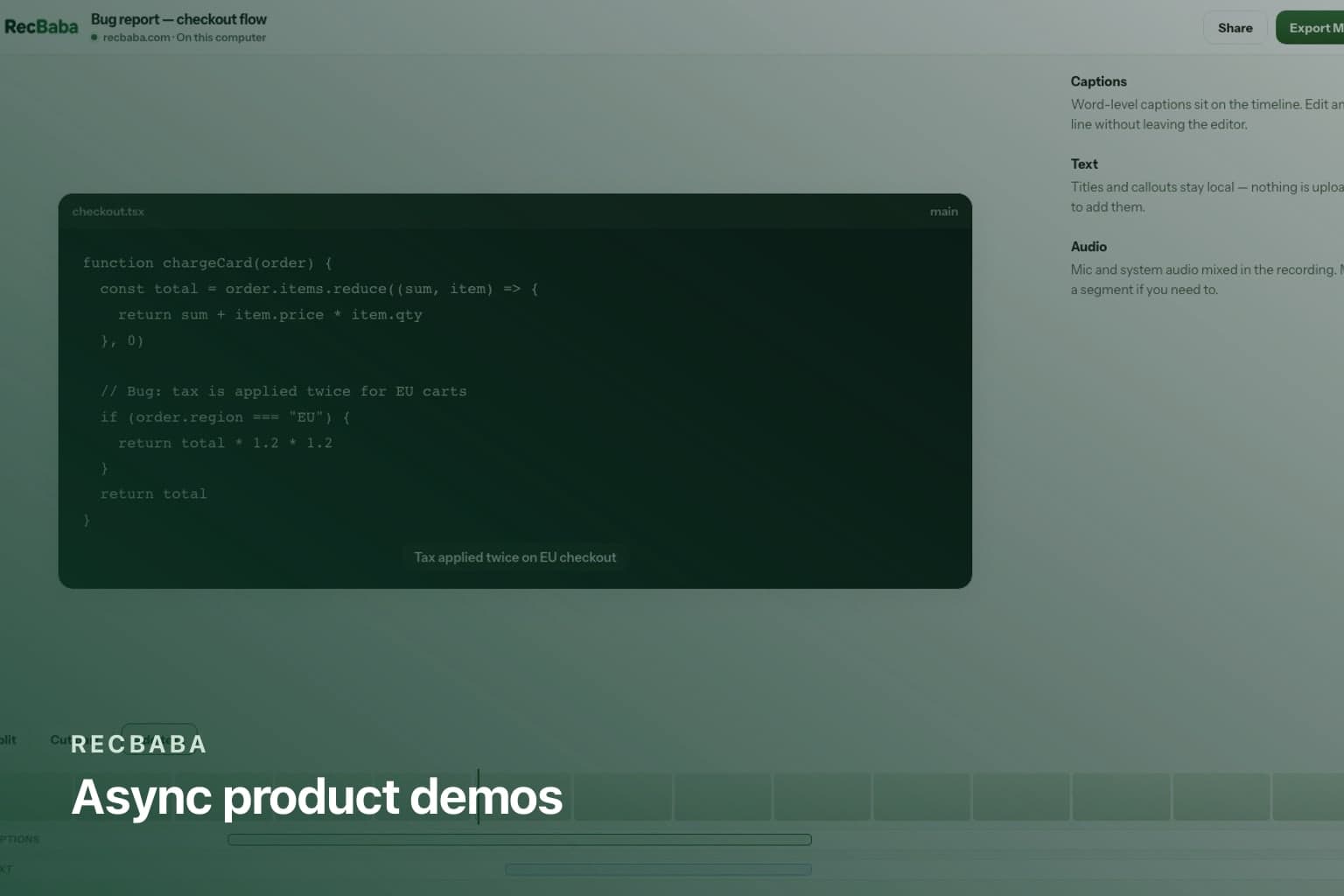
A live demo rewards whoever could make the calendar. An async walkthrough rewards the person who will actually use the product. RecBaba is built for that second job: capture on the page, edit without an account wall, upload only when the link is the point.
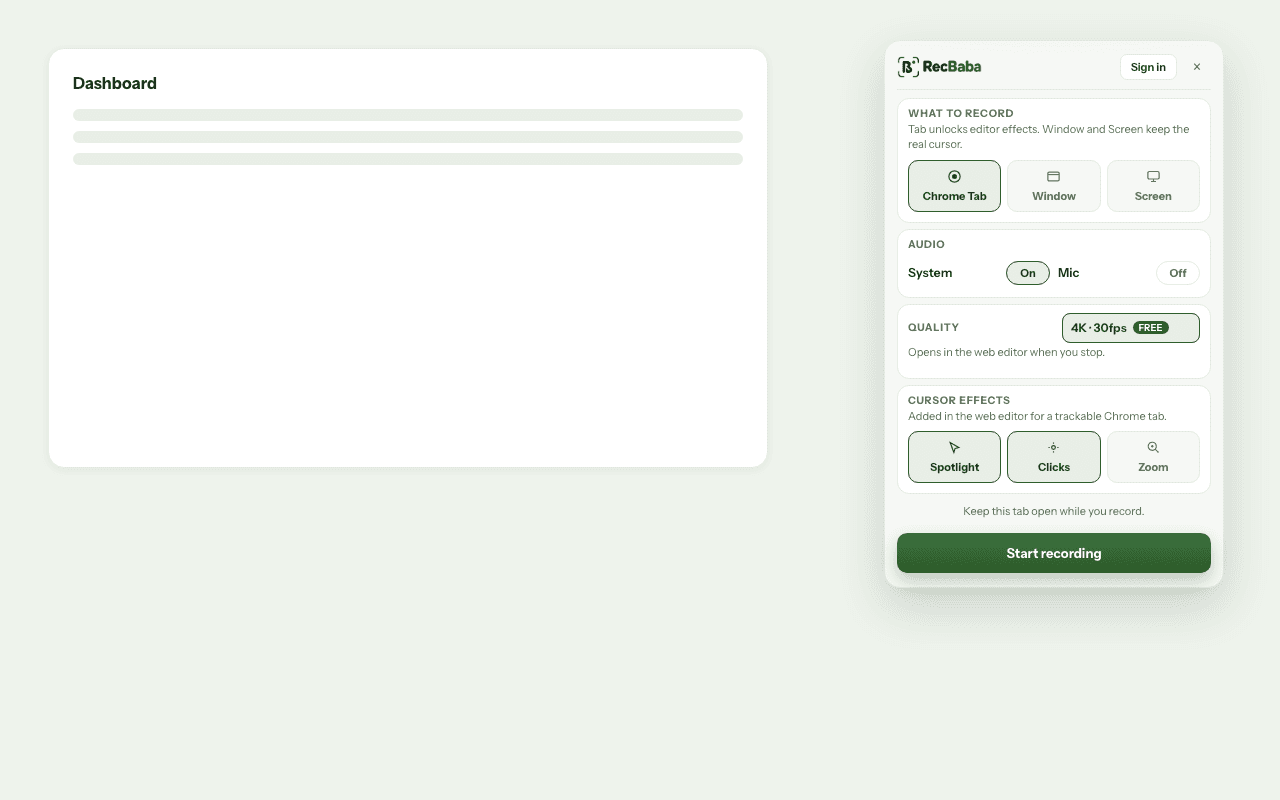
Record the tab you are demonstrating. Spotlight and click rings can wait until export.
What to send instead of a calendar link
- Record the happy path on a Chrome tab. Narrate. Pause for the messy bits.
- Trim, title, optional captions. Export MP4 if they asked for a file.
- Share an unlisted link for everyone else. Password it if the thread is messy.
- On Pro+, Generate AI so chapters exist. On Max, apply the default Brand Kit and an end-screen CTA to the booking page.
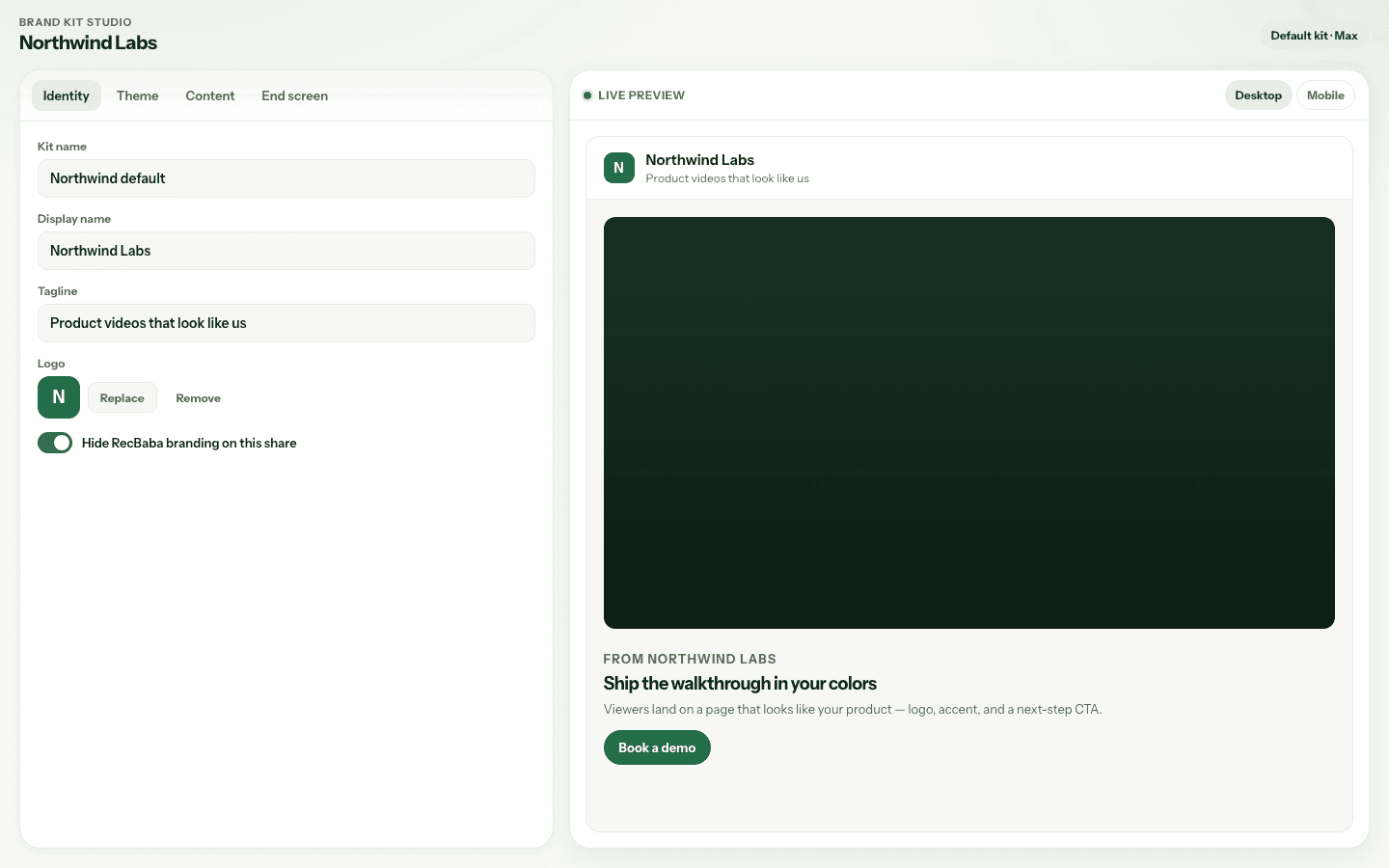
The same unlisted token, your lockup, a button when the video ends.
Why this is not a public gallery
RecBaba will not list the demo for search. That is correct for a prospect-specific walkthrough. If the destination is YouTube or a docs site, export MP4 and publish there. Use the RecBaba link when you need revoke, expiry, and a page that can wear the kit.
Record the happy path once. Clone the take in the editor for a vertical clip if marketing wants a teaser. The raw file stays local until Share. If legal does not want customer names in a hosted bucket, export MP4 and keep RecBaba out of the hosting path entirely.
| Audience | Send |
|---|---|
| Internal teammate | Unlisted link or MP4 |
| Named prospect | Passworded link, Brand Kit on Max, chapters on Pro+ |
| Public internet | Exported MP4 on your host — not a RecBaba share as the master |
Record the next take locally
4K, mic and system audio, no watermark. The file stays on this computer until you choose to share.
Start recording