Cursor Spotlight and Click Rings on Tab Recordings
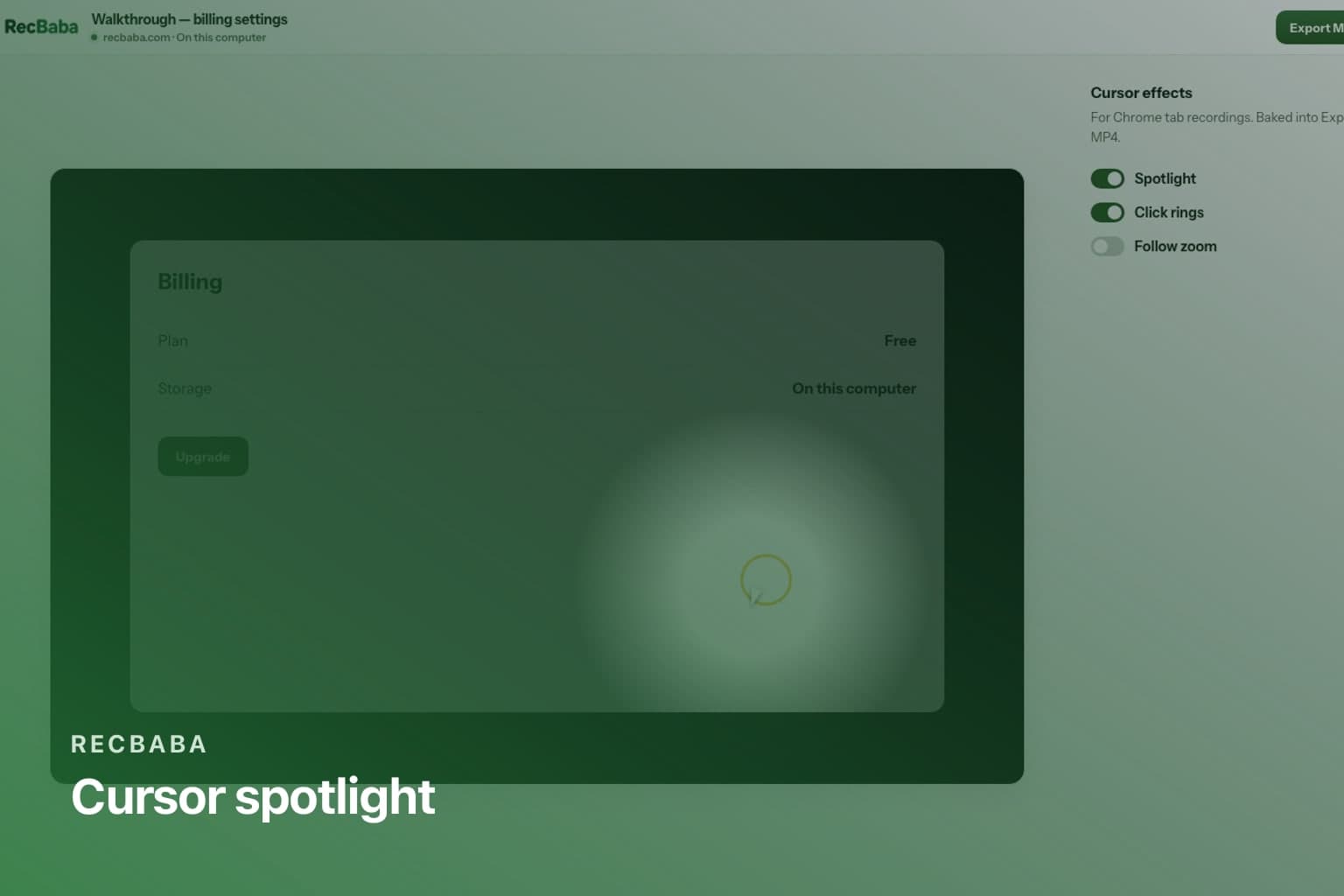
Add a spotlight, click rings, and optional follow zoom to a Chrome tab recording in RecBaba — applied on export, not burned into the raw capture.
On this page
A tab walkthrough is easier to follow when the pointer has a spotlight and each click leaves a ring. RecBaba does not paint those into the capture while you talk. You choose them before you record as a preference, then the editor applies them when you export MP4. Turn them off and the raw take is still the take you captured.
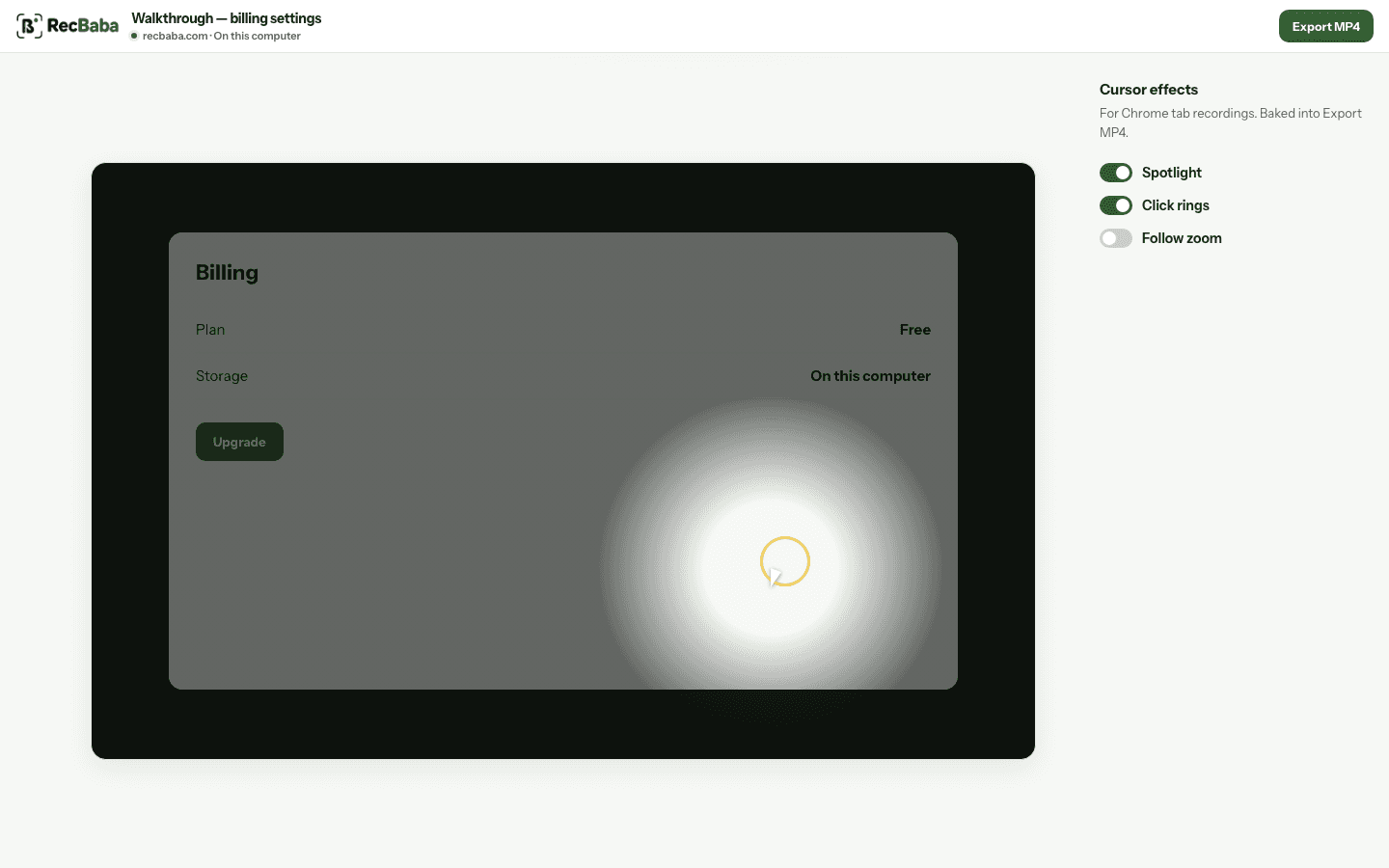
Effects are toggles for tab captures. Follow zoom is off by default so a calm take stays calm.
Tab vs window vs screen
Record a Chrome tab when you want editor effects. Window and Screen recordings keep the real mouse cursor in the pixels. The editor hides the effects panel for those takes because there is no separate cursor track to composite.
- Spotlight brightens the area around the pointer.
- Click rings mark the moment you click.
- Follow zoom tracks the cursor at 1.55× when you want it.
- Original download still has no effects applied.
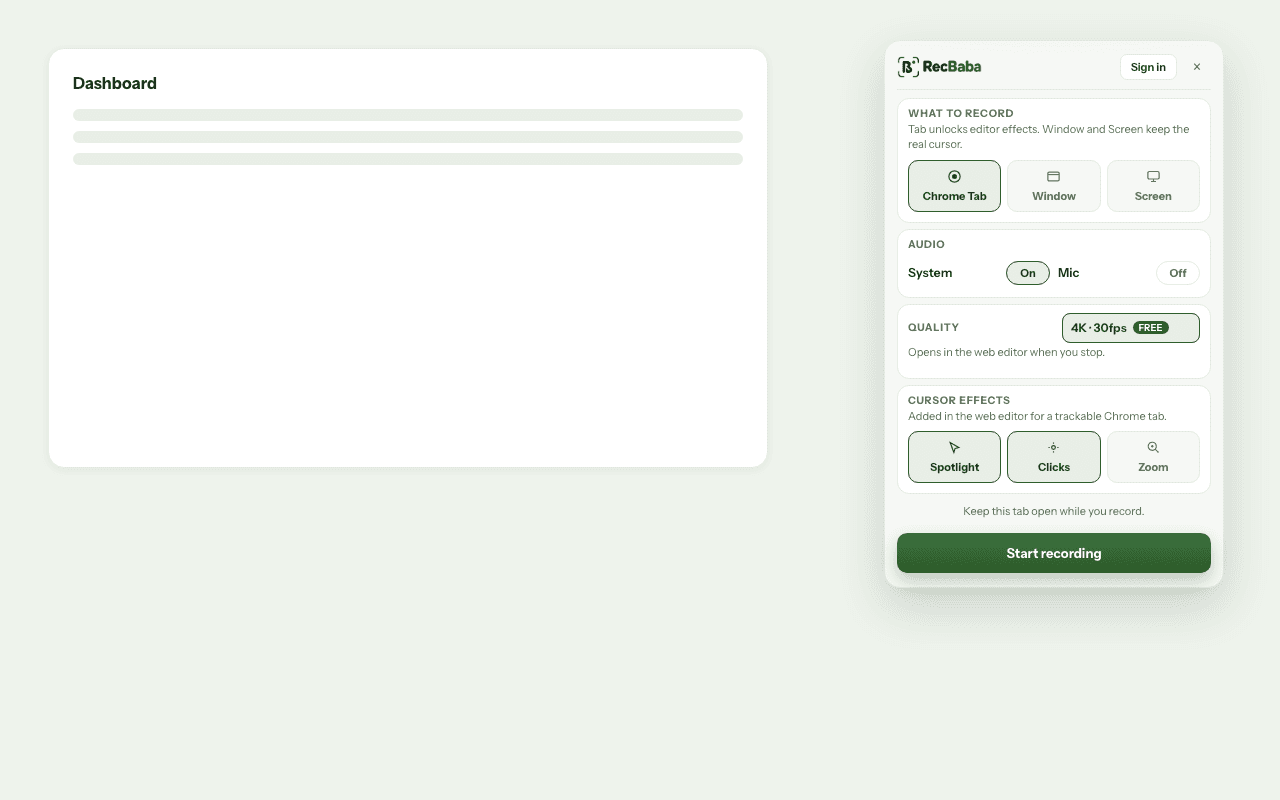
Pick Tab in the overlay if you want these effects later. You can still disable each one in the editor.
A practical default
Leave follow zoom off unless the UI is dense and you are pointing at one control at a time. Spotlight plus click rings is enough for most product tours. If the take should stay documentary — a bug, a failing state — export with effects off so the reviewer sees the real cursor only.
You can still change the preference in the overlay before the next take. Effects never rewrite the WebM. Export twice if you want one calm original and one highlighted MP4 for the tutorial. Window and Screen users who need rings should recapture as a tab when the work lives in Chrome.
Record the next take locally
4K, mic and system audio, no watermark. The file stays on this computer until you choose to share.
Start recording