Save a Recording to Google Drive Without Broad Access
RecBaba sends a finished file to Drive with drive.file scope only — browser to Google, never a copy on RecBaba servers, never the rest of your Drive.
On this page
Teams already live in Drive. RecBaba will not make Drive the recorder. When you want a copy in your own account, connect Drive and save that one file. Scope is files this app creates — not a license to list folders you already keep there.
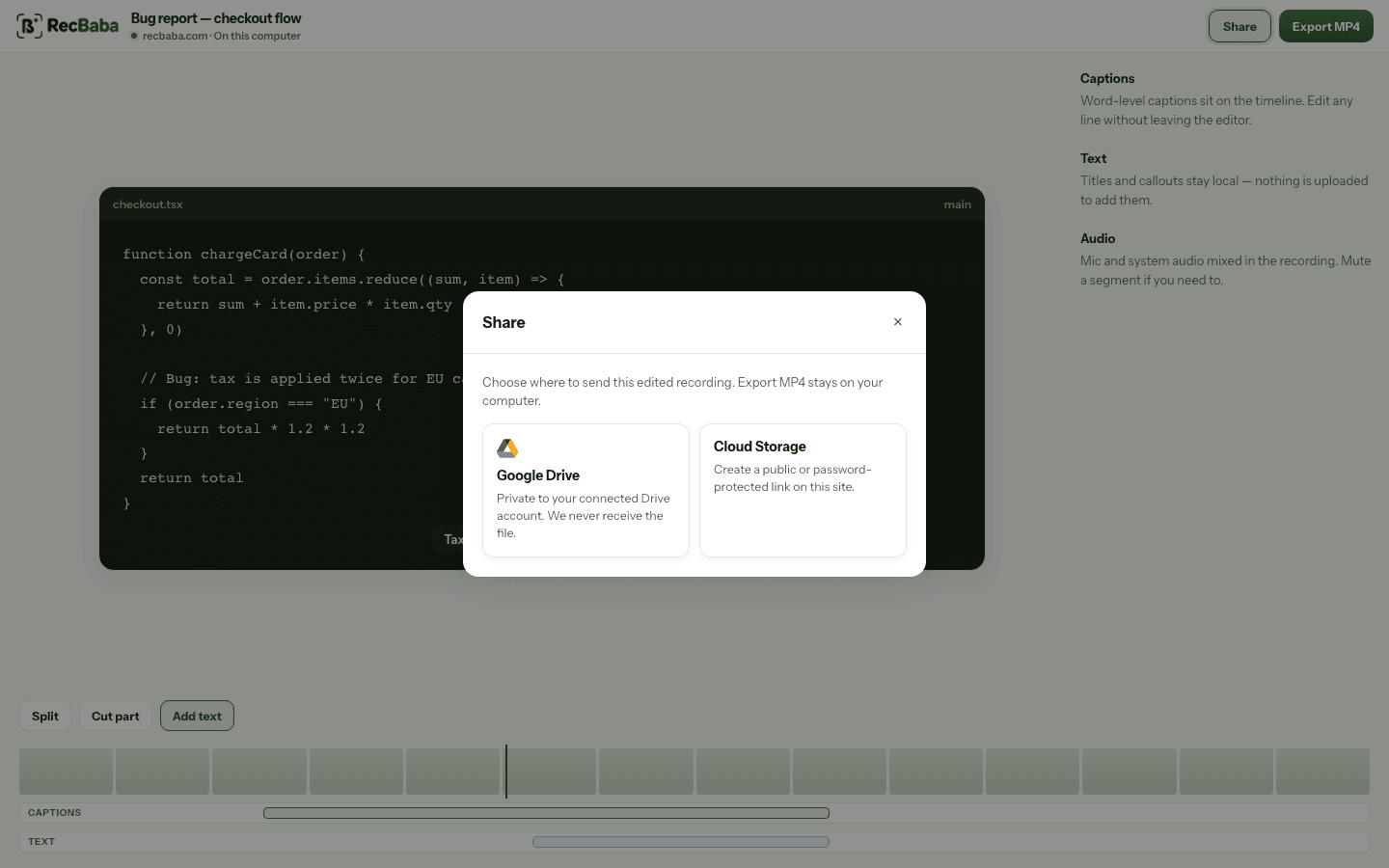
Drive is a destination. Export MP4 stays on your computer even when this dialog is open.
Two permissions
- RecBaba account: Google or email and password, so hosted shares have an owner.
- Drive connect: a separate grant from Settings or at save time.
- Disconnect: Settings revokes the grant with Google and deletes the stored refresh token. Files already in Drive stay yours.
Do not treat Drive as a backup RecBaba never asked for. A recording you never send is not copied to Drive. Signing in with Google for RecBaba identity does not open Drive. If a teammate needs a link they can revoke, use Cloud Storage instead of a Drive file they might reshare as an editor.
What RecBaba stores
An encrypted refresh token on RecBaba servers, so this browser can mint a short-lived access token when you save. Access tokens stay in the tab. The token is never used to browse existing Drive files. If Google revokes the grant, RecBaba drops the stored token too.
If you only needed a file on this computer, skip Drive. Export MP4. If you needed a RecBaba link with password and revoke, that is Cloud Storage on Pro and Max — a different destination in the same dialog. Drive does not create a RecBaba share.
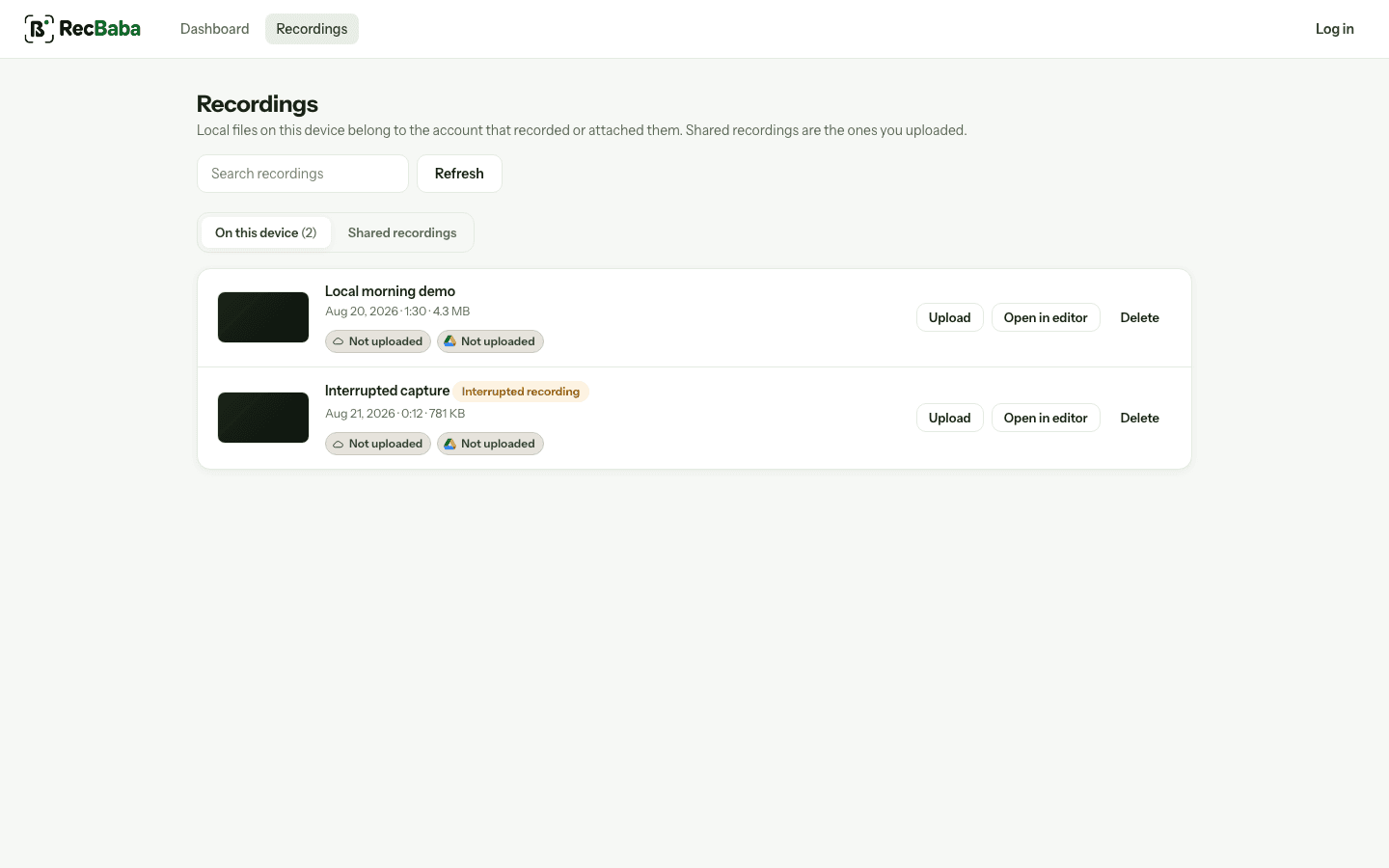
The library on this device does not depend on Drive being connected.
Record the next take locally
4K, mic and system audio, no watermark. The file stays on this computer until you choose to share.
Start recording