
Screen Recording for Support and Bug Reports
Capture a failing checkout or admin screen in RecBaba, keep it local, and share an unlisted link only when a teammate actually needs to watch.
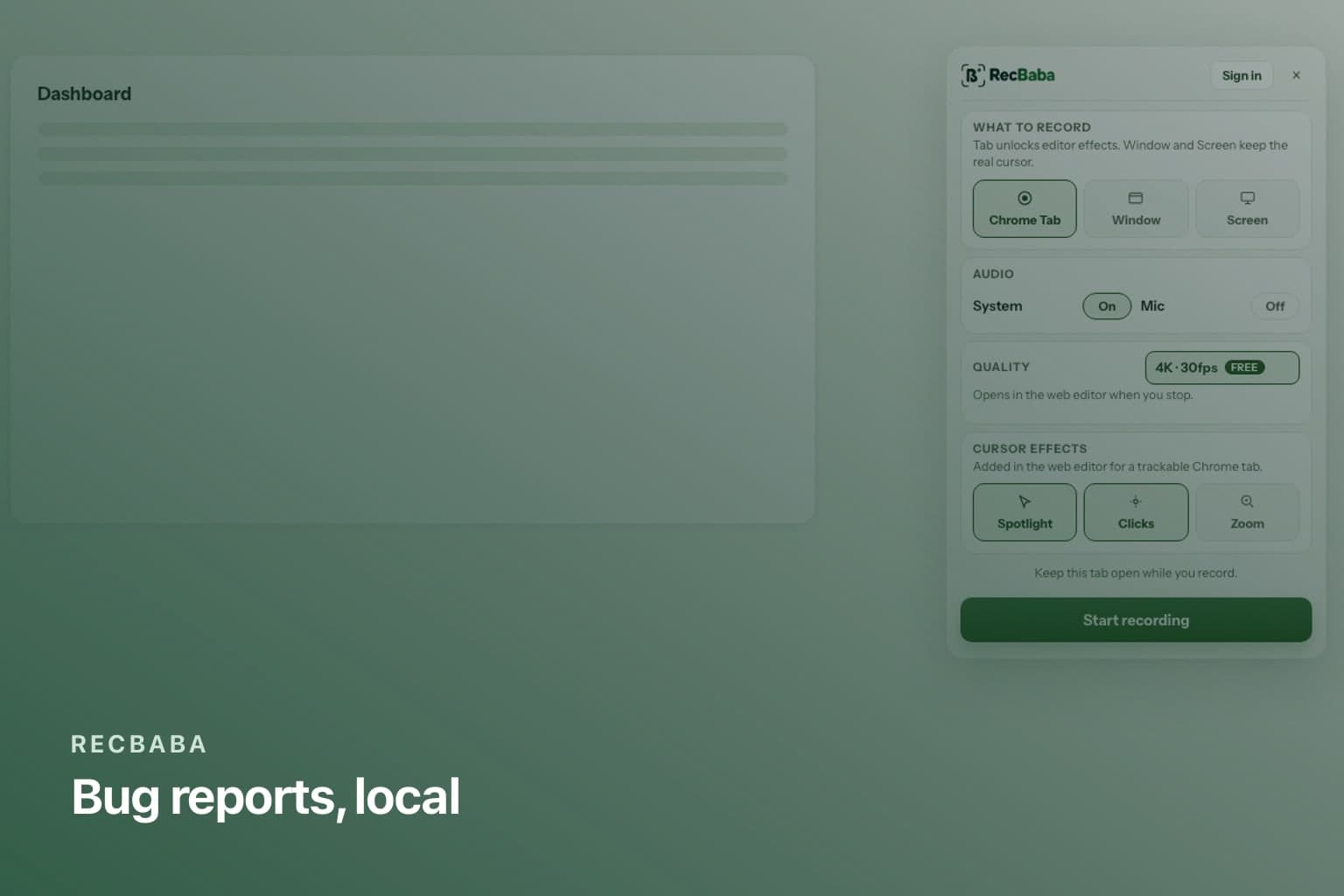
A written ticket loses the click that broke checkout. A cloud recorder that uploads on stop is the wrong default when the screen showed a customer or a token. RecBaba writes the take to this computer. You decide whether anyone else gets a copy.
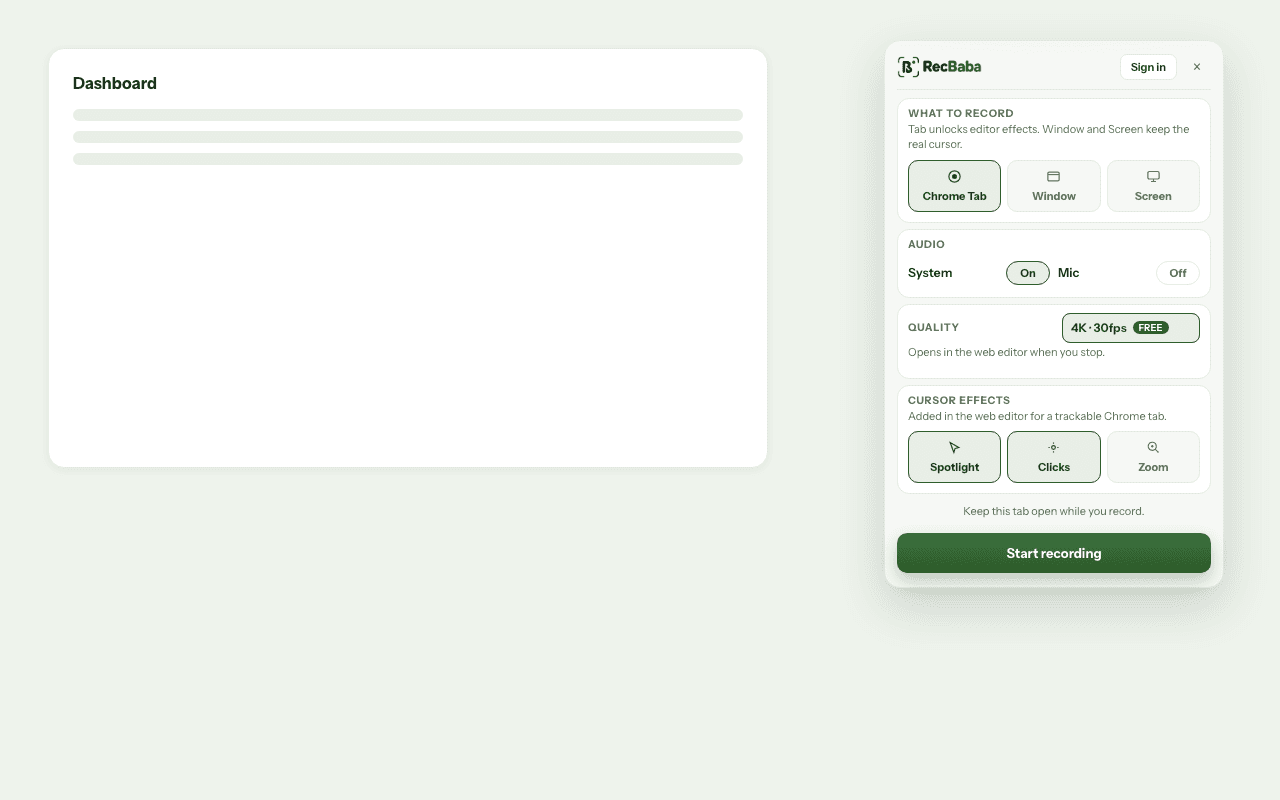
Stay on the failing tab. Mic optional. System audio if the product makes a sound when it fails.
A support take, start to send
- Open the broken flow. Start RecBaba on that tab.
- Reproduce once, with narration if it helps. Pause if you need to.
- Stop. Trim the dead air. Crop a password or a customer name.
- If the engineer is in chat, export MP4 and attach it.
- If they should watch in the browser, Share an unlisted link. Password it if the thread might be forwarded.
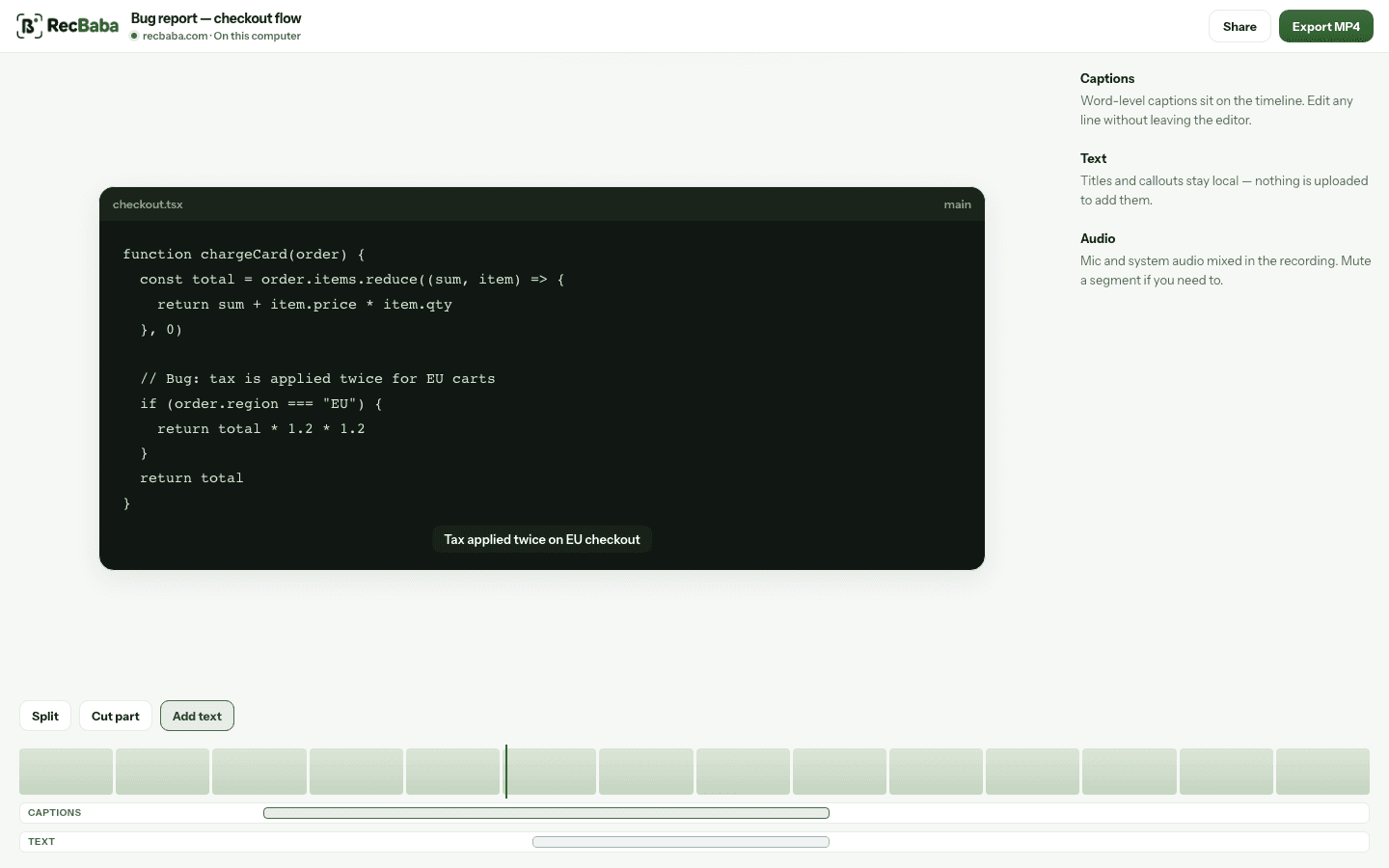
Cut the stretch where you hunted for the right environment. The source file stays on disk.
When 1080p is enough
Bug clips rarely need 4K. 1080p at 30fps is the recorder default because the file stays small and the UI is still readable. Use 4K when the density of the screen is the bug — a misaligned pixel, a chart, a print stylesheet.
Narrate the expected result, then the actual result. Support does not need a five-minute tour of settings. If the ticket includes customer data, password the link and revoke it when the ticket closes. Export MP4 if the engineer will drop the file into an internal drive you already trust.
Record the next take locally
4K, mic and system audio, no watermark. The file stays on this computer until you choose to share.
Start recording